License Keys
Activate and manage your Enterprise license
To use Enterprise features (SSO, whitelabeling, audit logs, and more), you need a valid license issued by the Dokploy team.
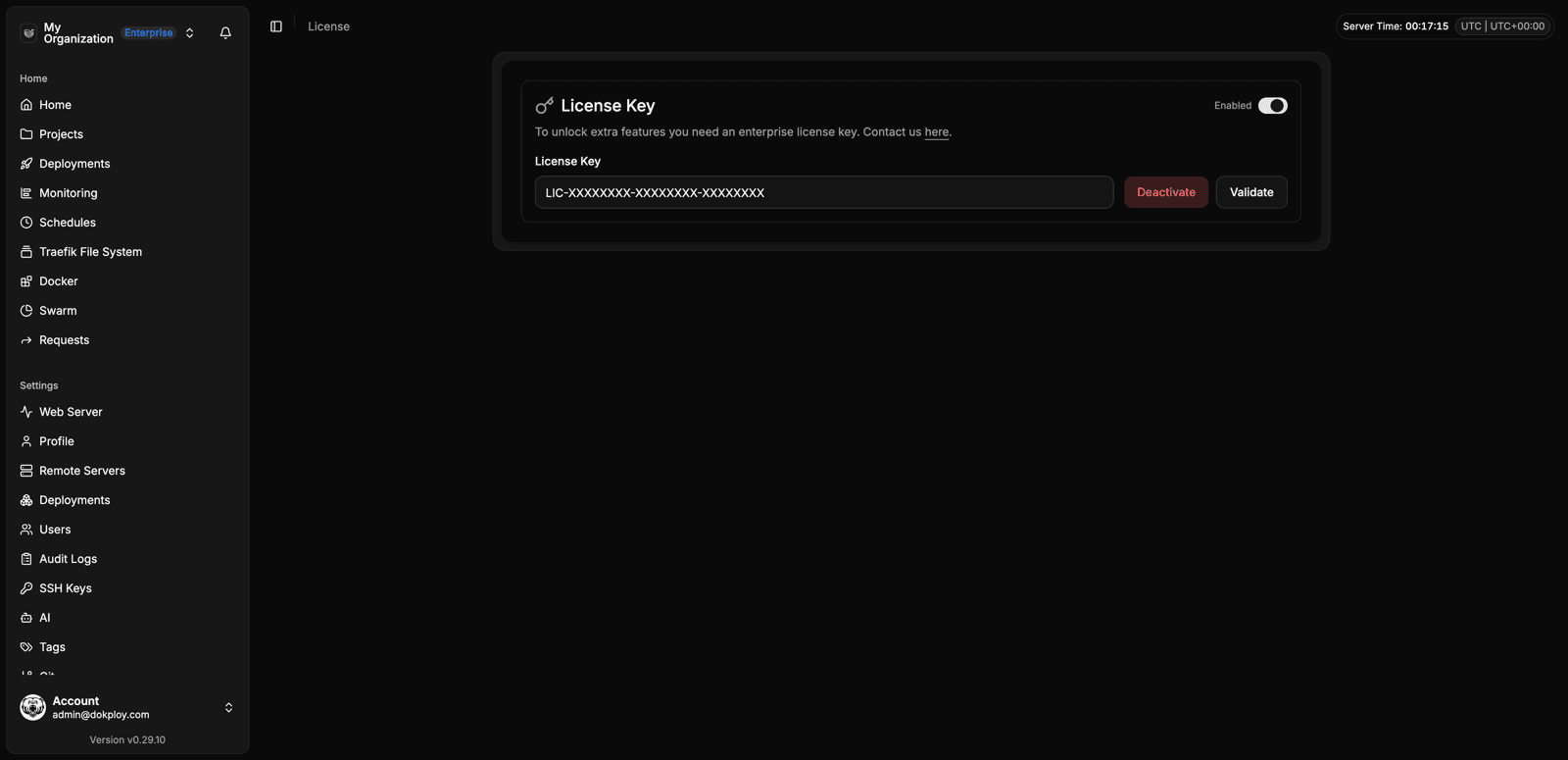
By default, all Dokploy instances run in the standard edition. If you are interested in switching to the Enterprise version, contact us. Once you receive your license key, you can activate it in your instance.
Activating your license
- Go to Settings → License (or Organization → License in Enterprise).
- Enter your license key and click Activate.
Your instance will then have access to Enterprise features for the duration of the license.
How validation works
- The license is validated every day against our servers to verify that it is still valid.
- The only data used for validation is the IP address of your server. We check it against our license server to confirm that the key is valid and active for that server.
- No other data is sent or stored for license validation.
If your server’s IP changes, or you have questions about your license, contact us.