Interface Overview
A visual tour of the Dokploy dashboard — screenshots of every major section of the panel.
This page is a visual tour of the Dokploy dashboard. Use it to get familiar with each section of the panel before diving into the feature guides. Click any image to zoom in.
Home
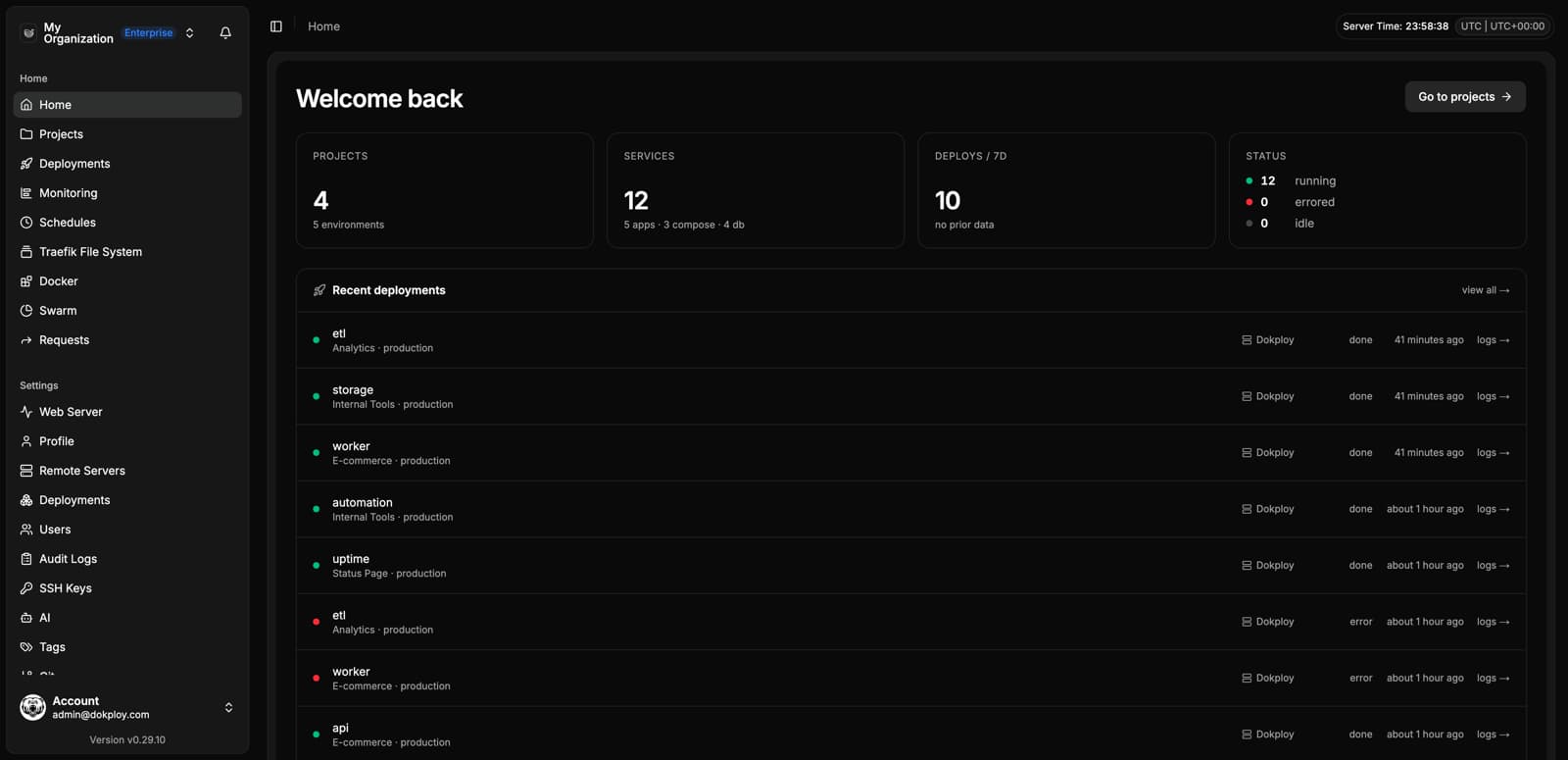
The home dashboard summarizes your organization at a glance: projects, services, recent deployments and their status.
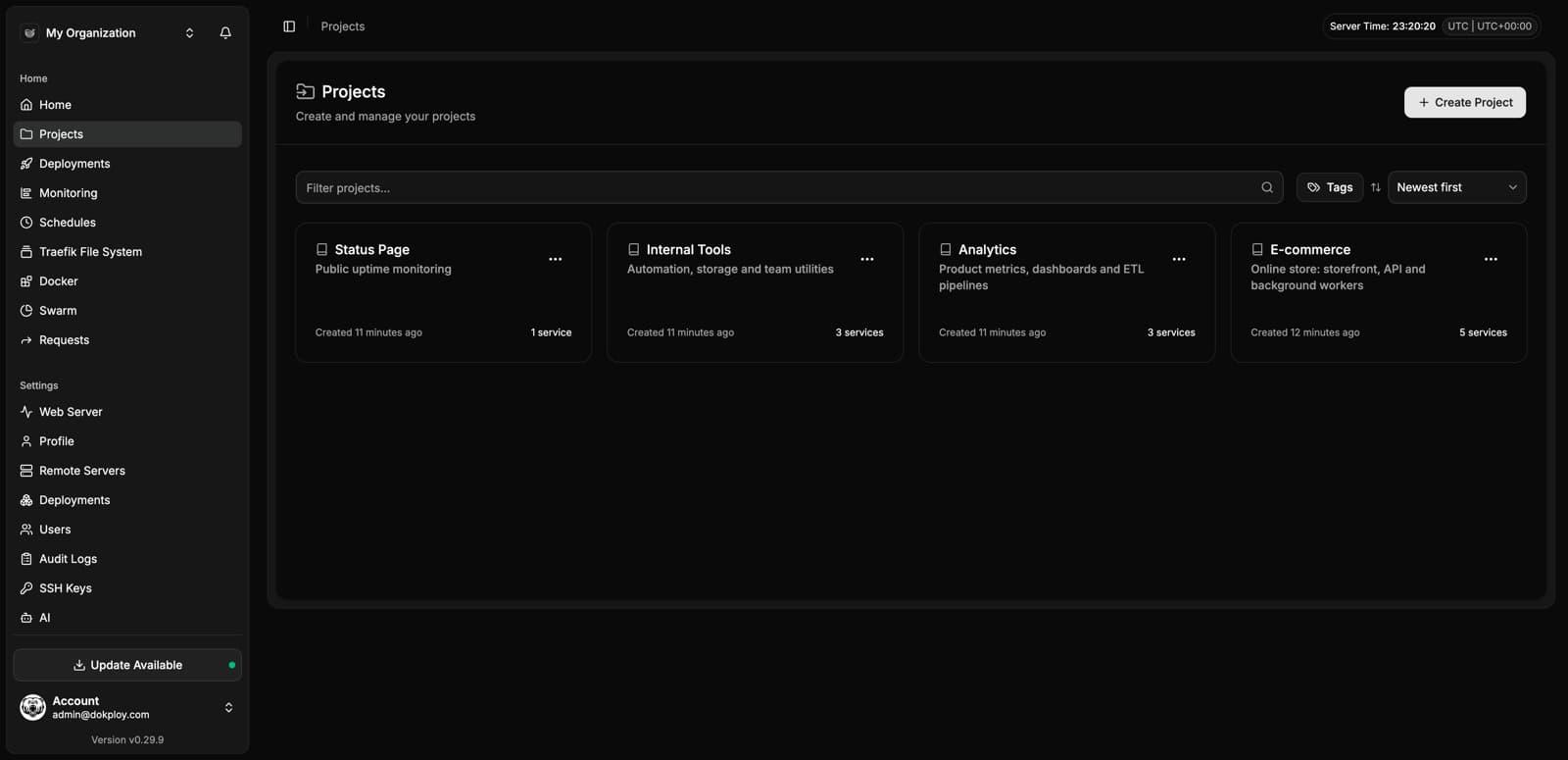
Projects
Projects group your services. Each project can hold applications, databases and Docker Compose services, organized per environment.
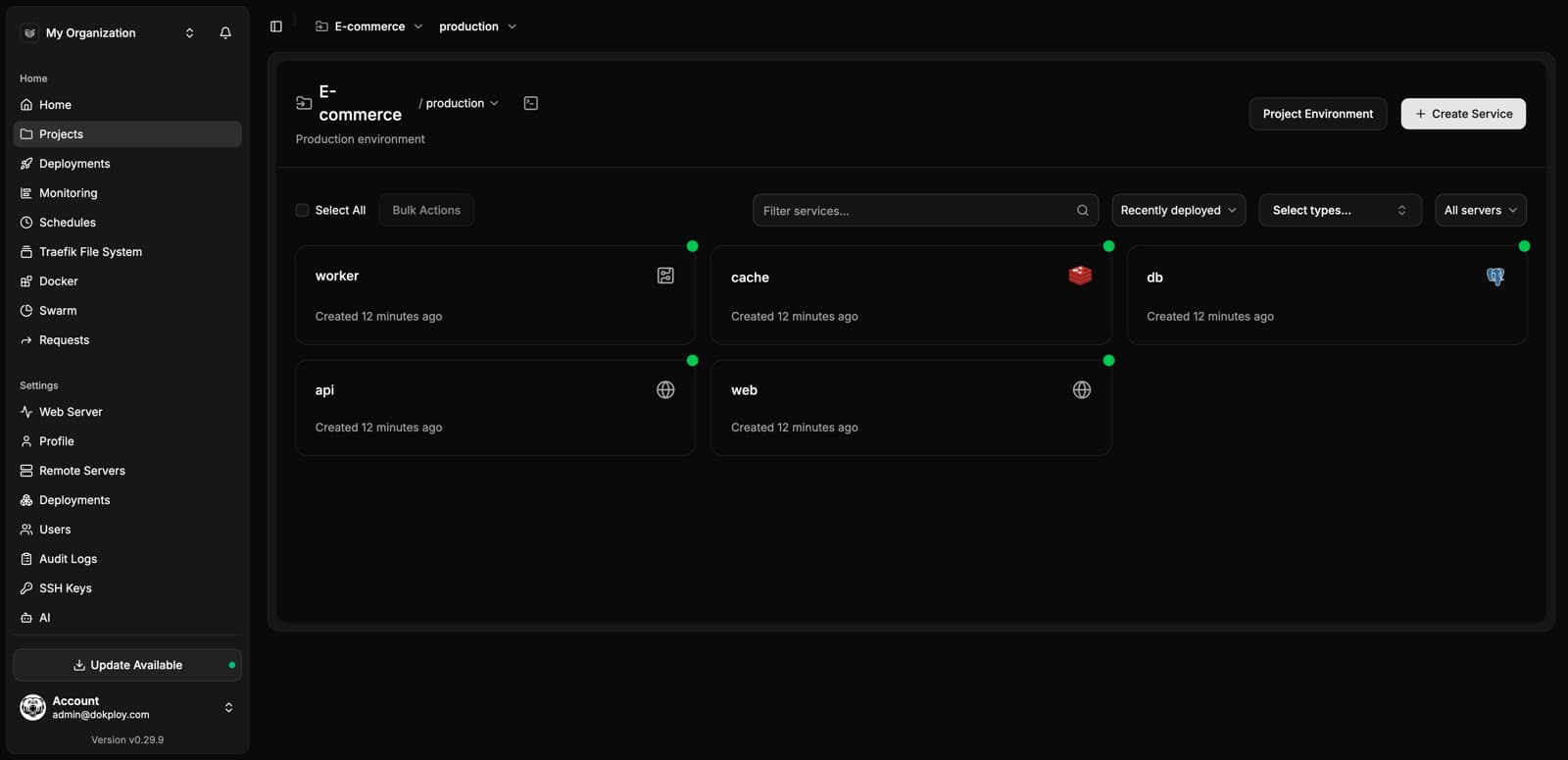
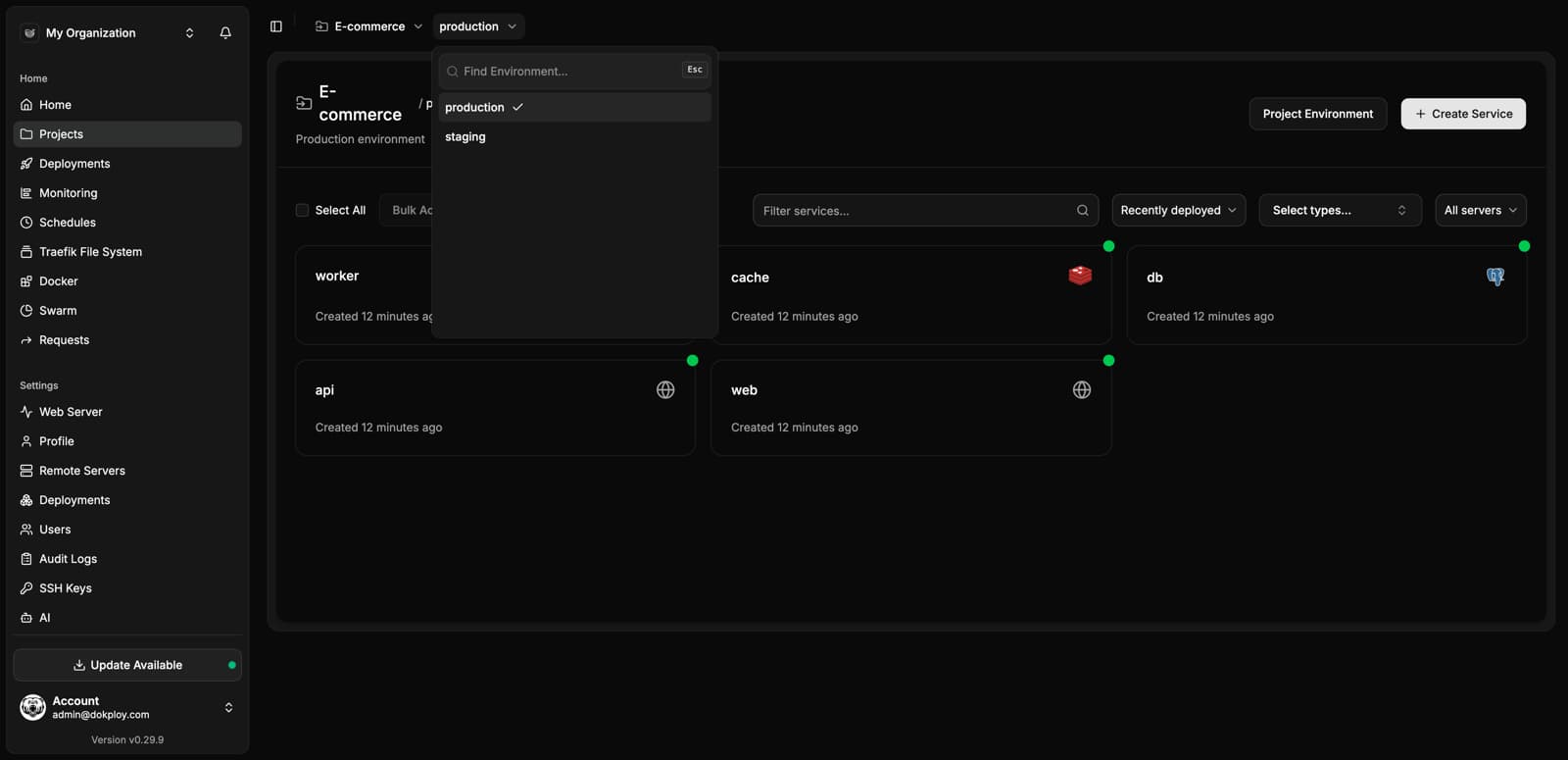
Inside a project you see every service with its live status:
Environments
Every project supports multiple environments (for example production and staging), each with its own set of services and shared variables.
Applications
The application view centralizes everything about a deployed app.
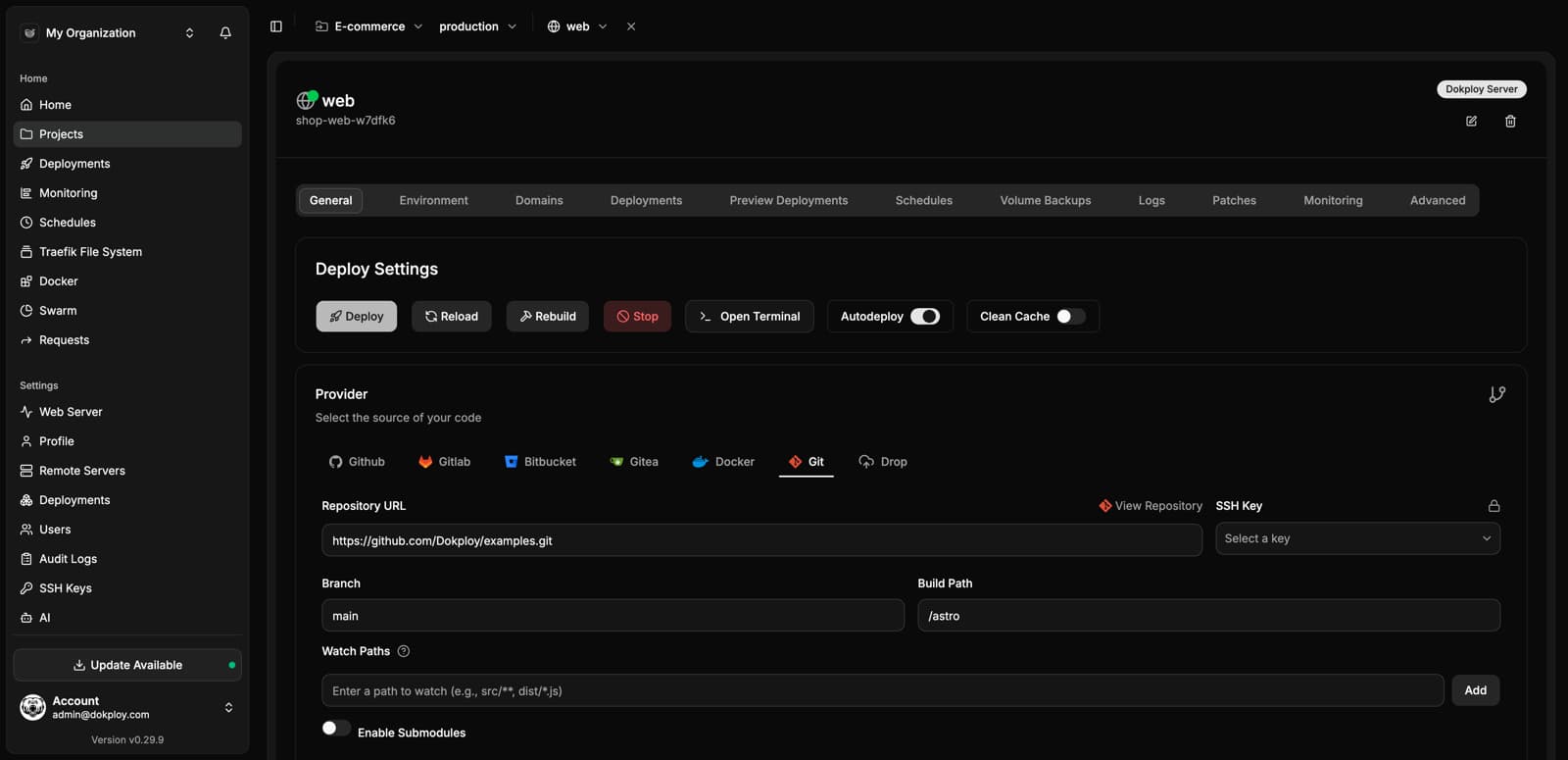
General & Providers
Connect GitHub, GitLab, Bitbucket, Gitea, any Git URL, a Docker image, or drop files directly:
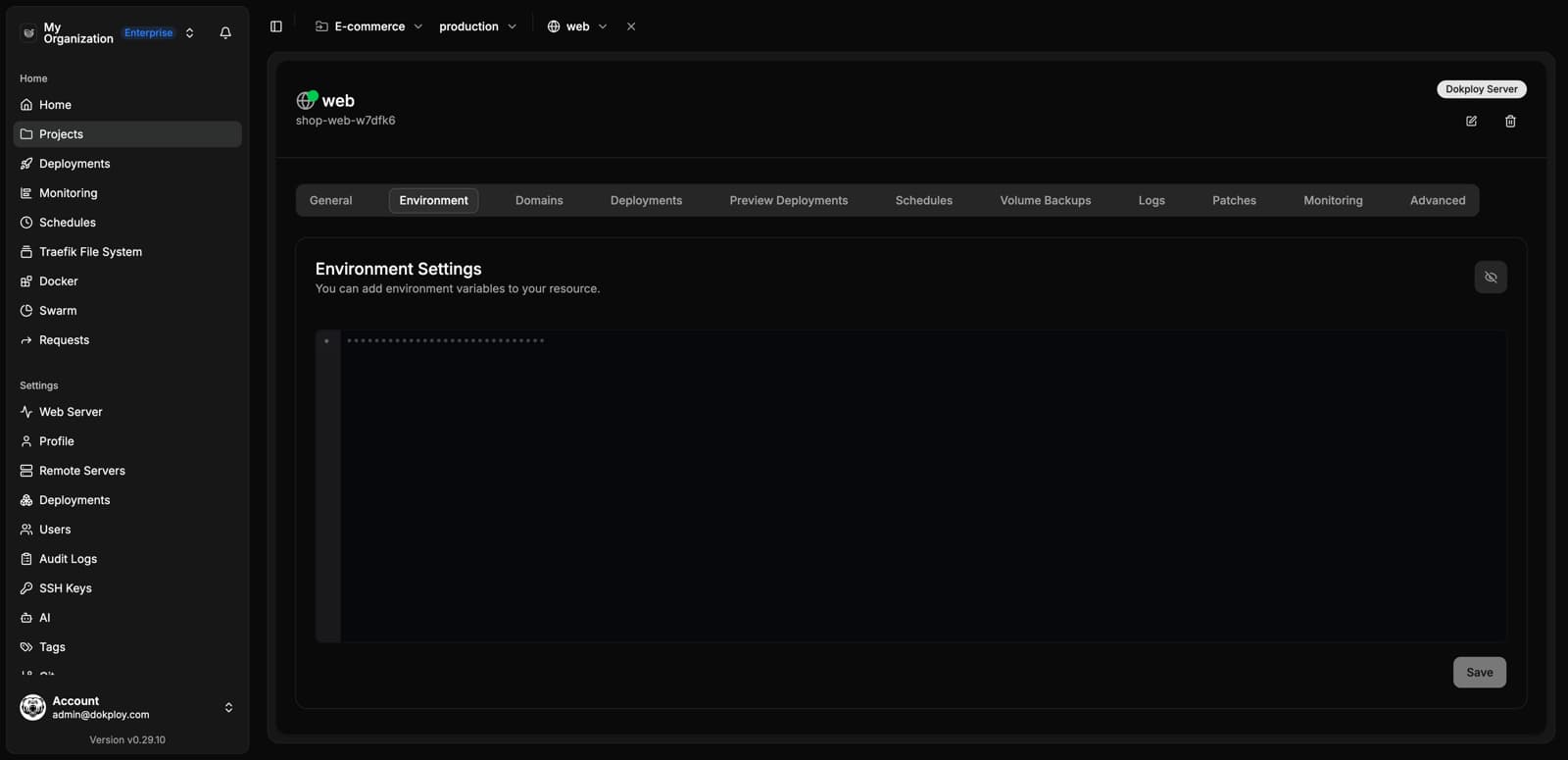
Environment Variables
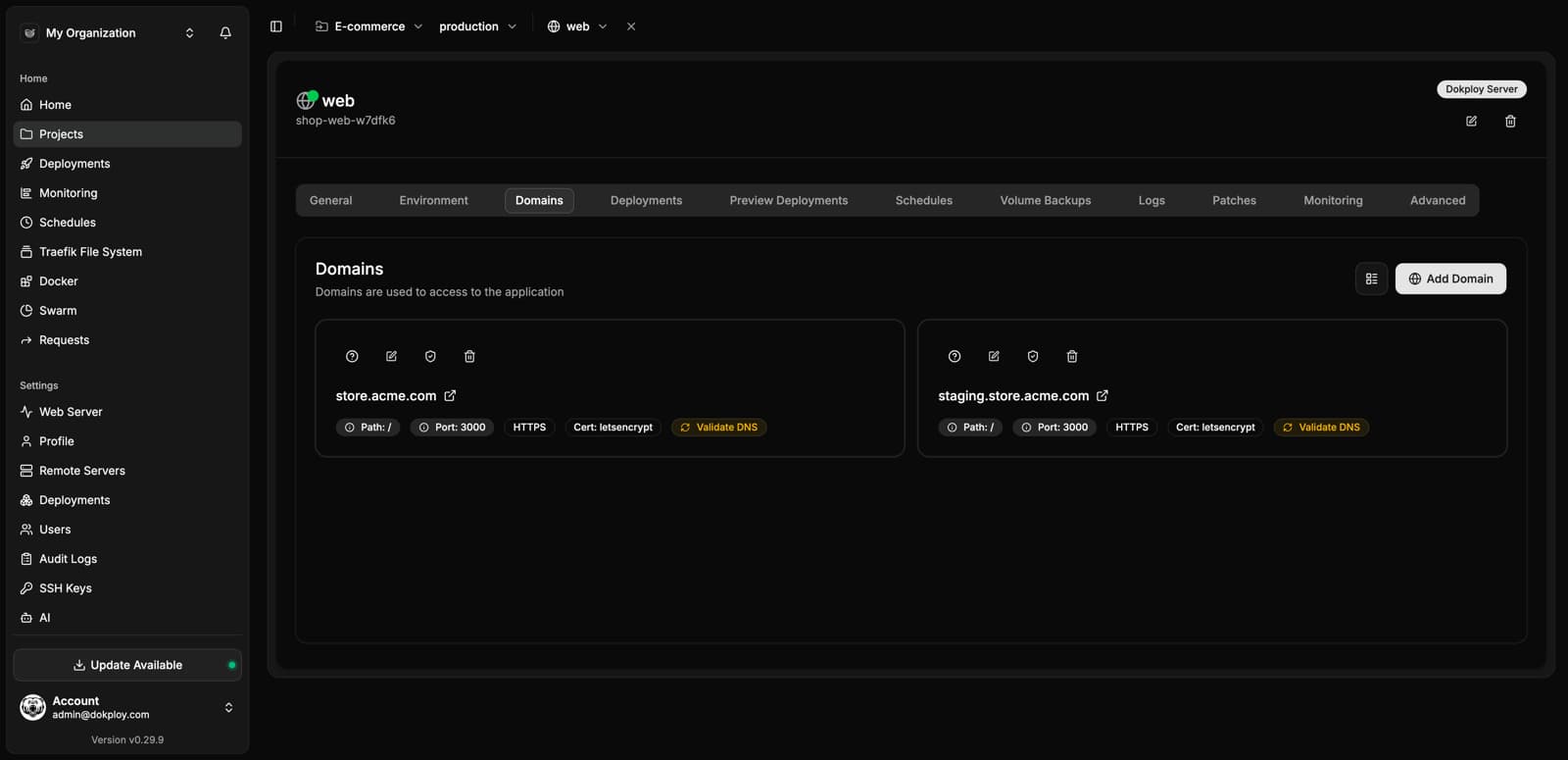
Domains
Add domains with automatic HTTPS via Let's Encrypt:
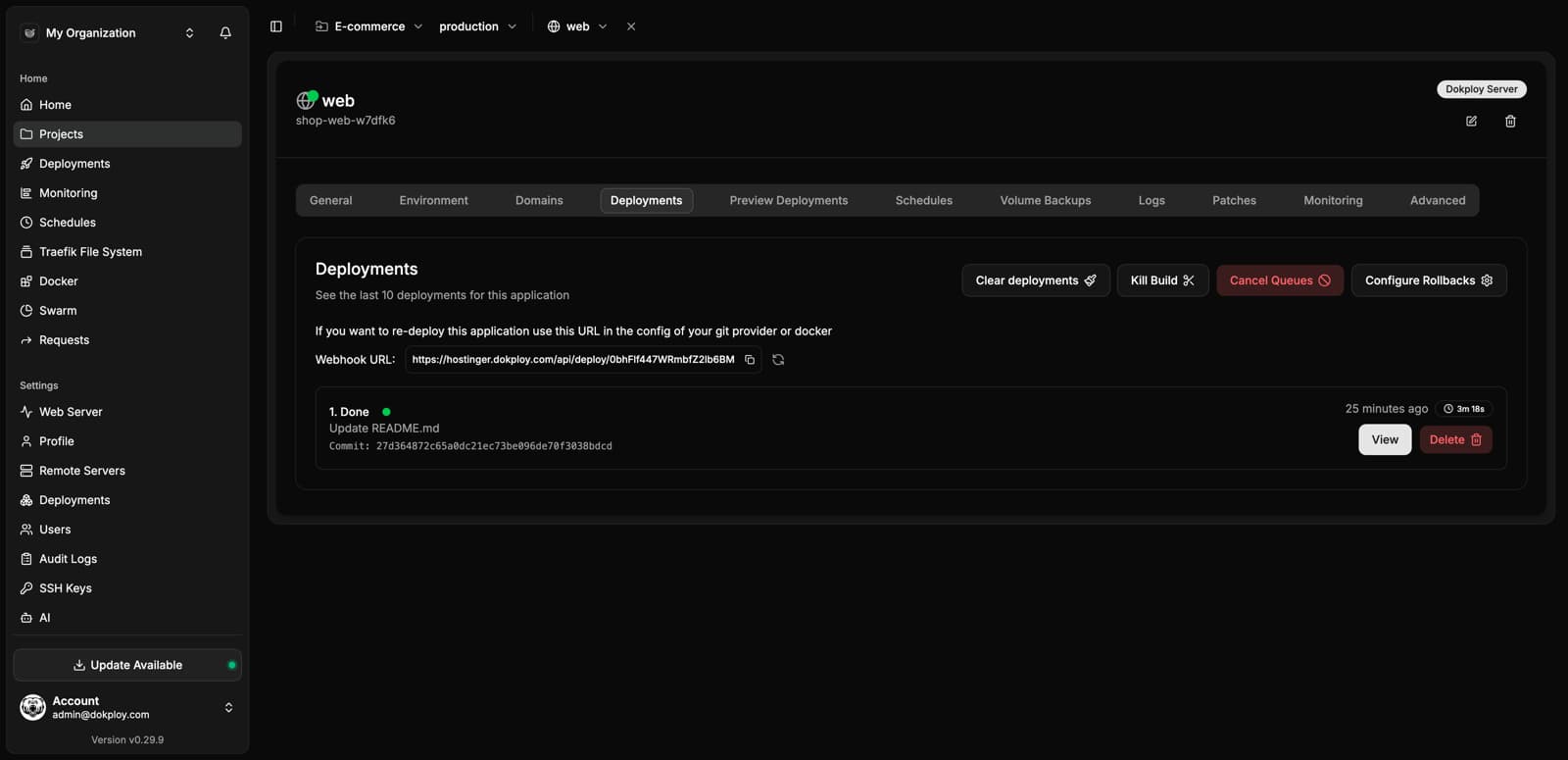
Deployments
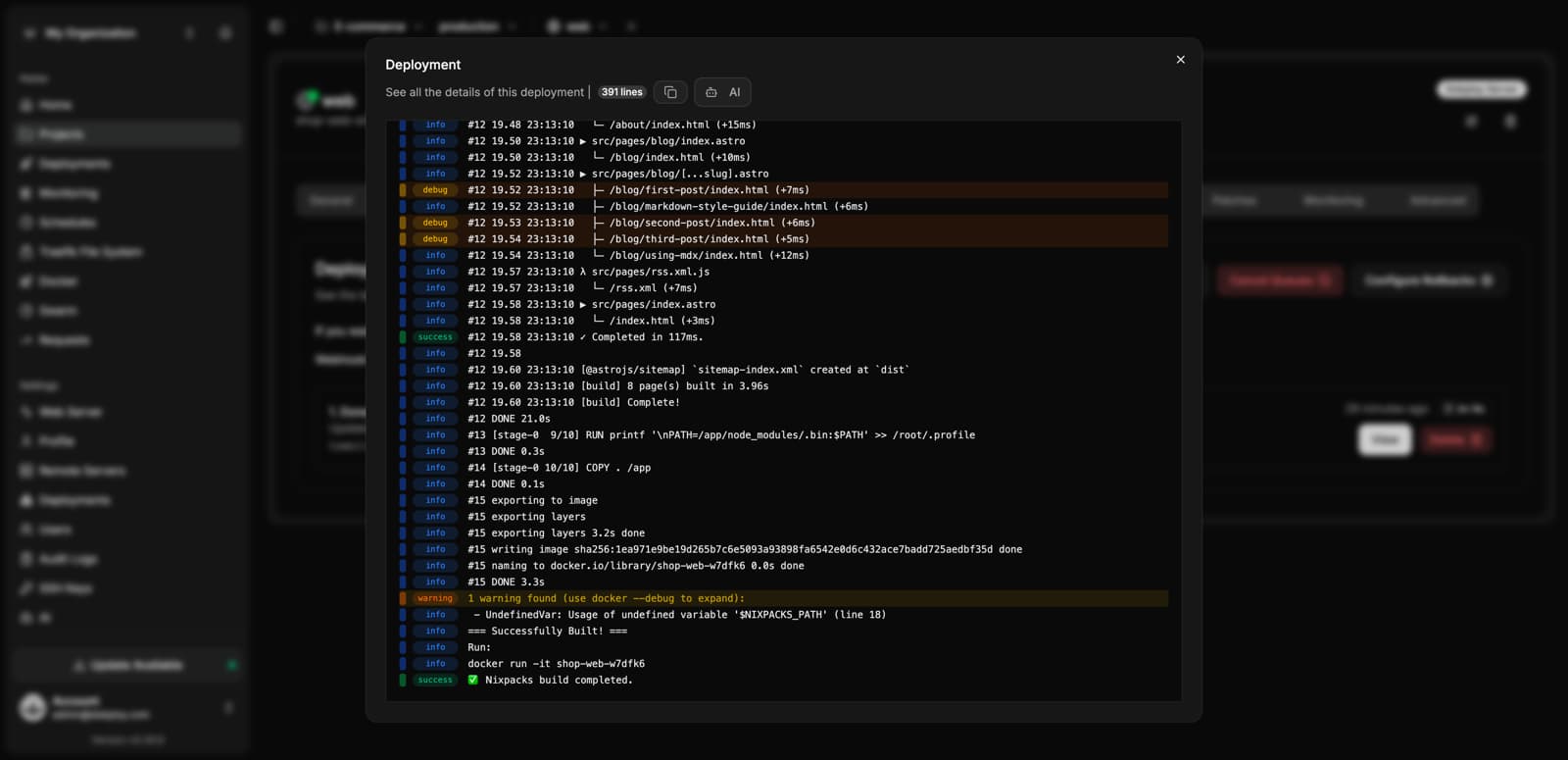
Every deployment is tracked, with a webhook URL for auto-deploys and full build logs:
Logs
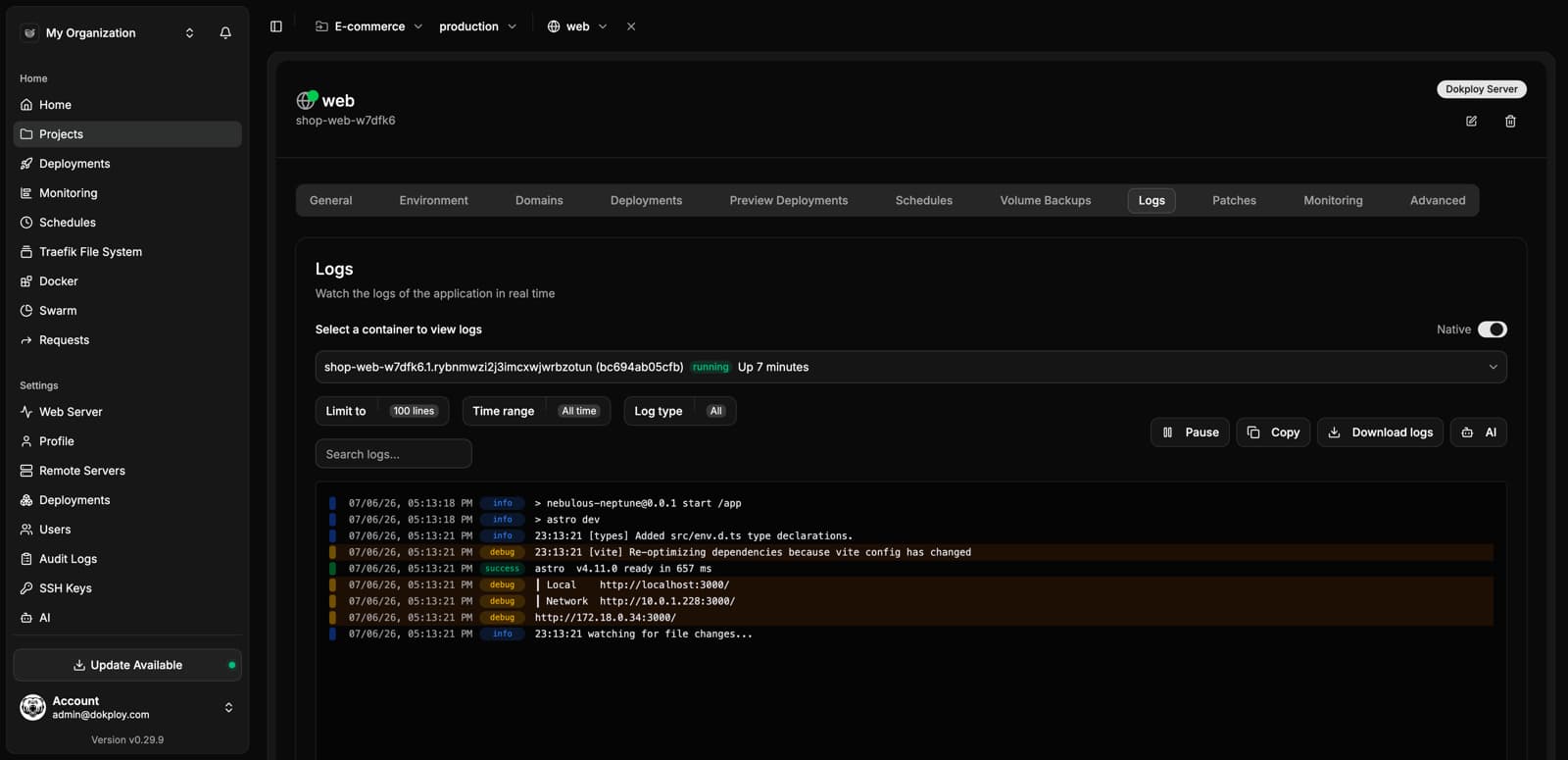
Real-time runtime logs with container selection, search and filters:
Monitoring
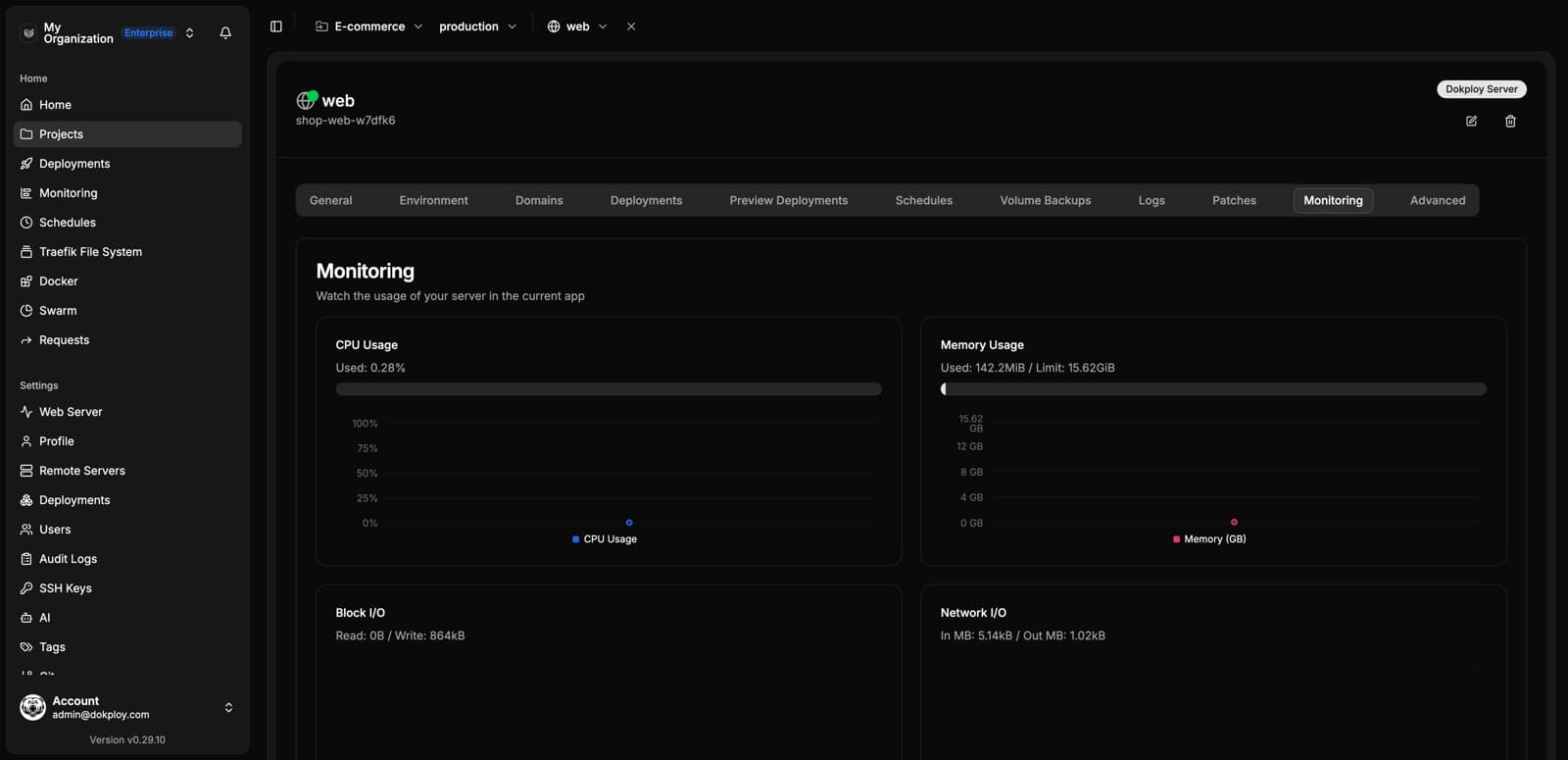
Per-service CPU, memory, network and disk metrics:
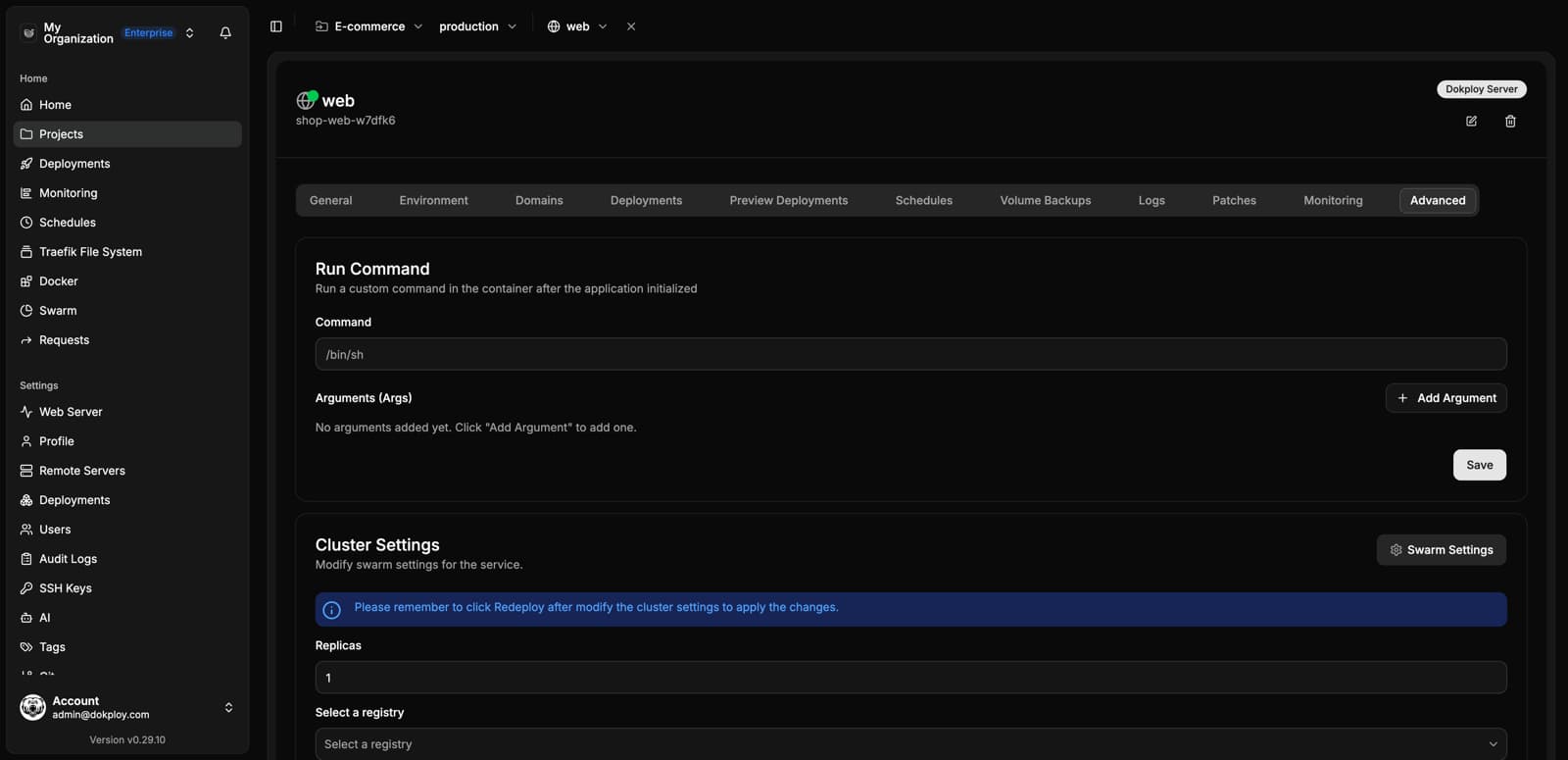
Advanced
Custom commands, cluster settings, resources, and mounts:
Databases
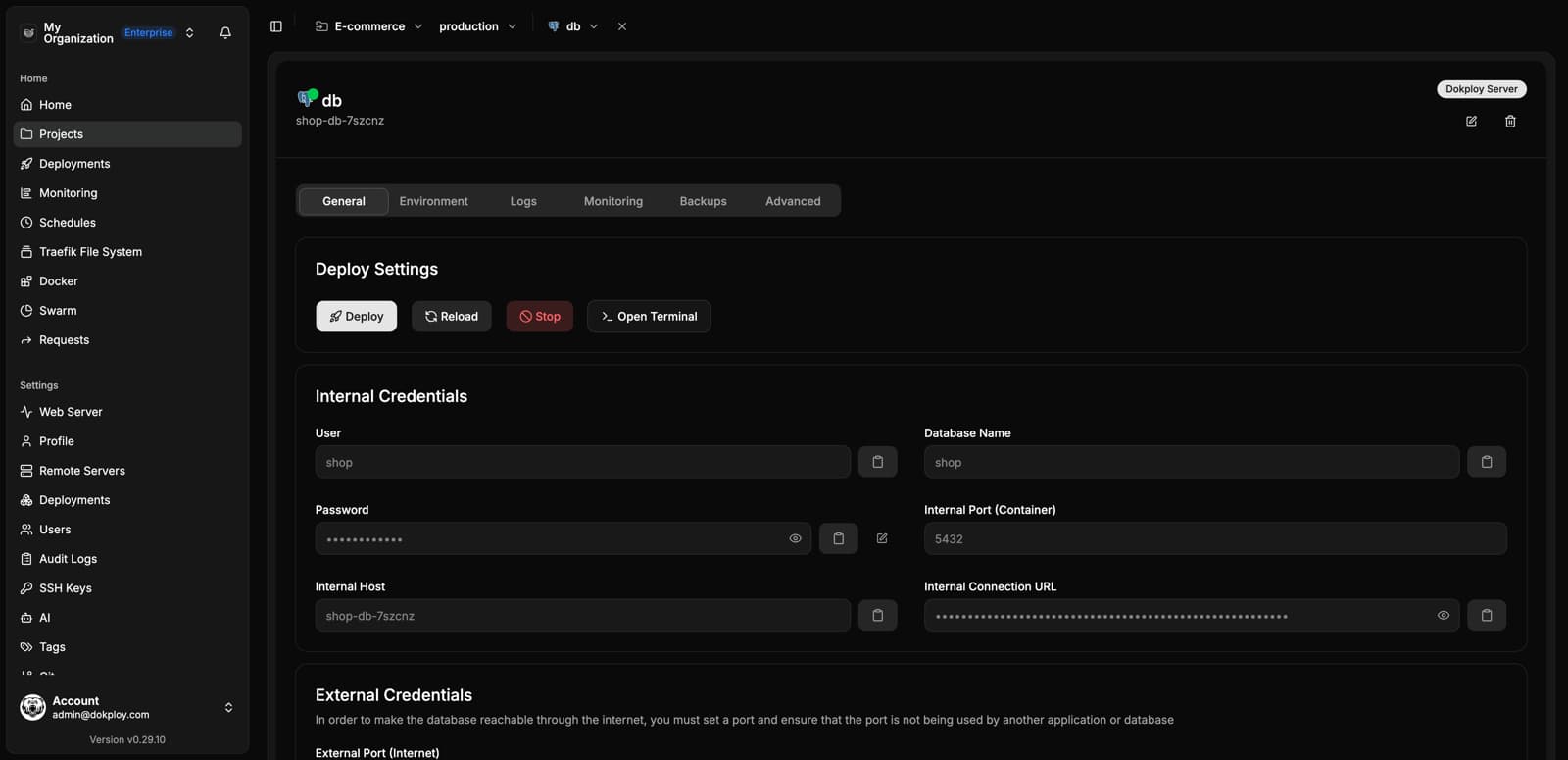
Deploy PostgreSQL, MySQL, MariaDB, MongoDB and Redis with a few clicks:
Backups
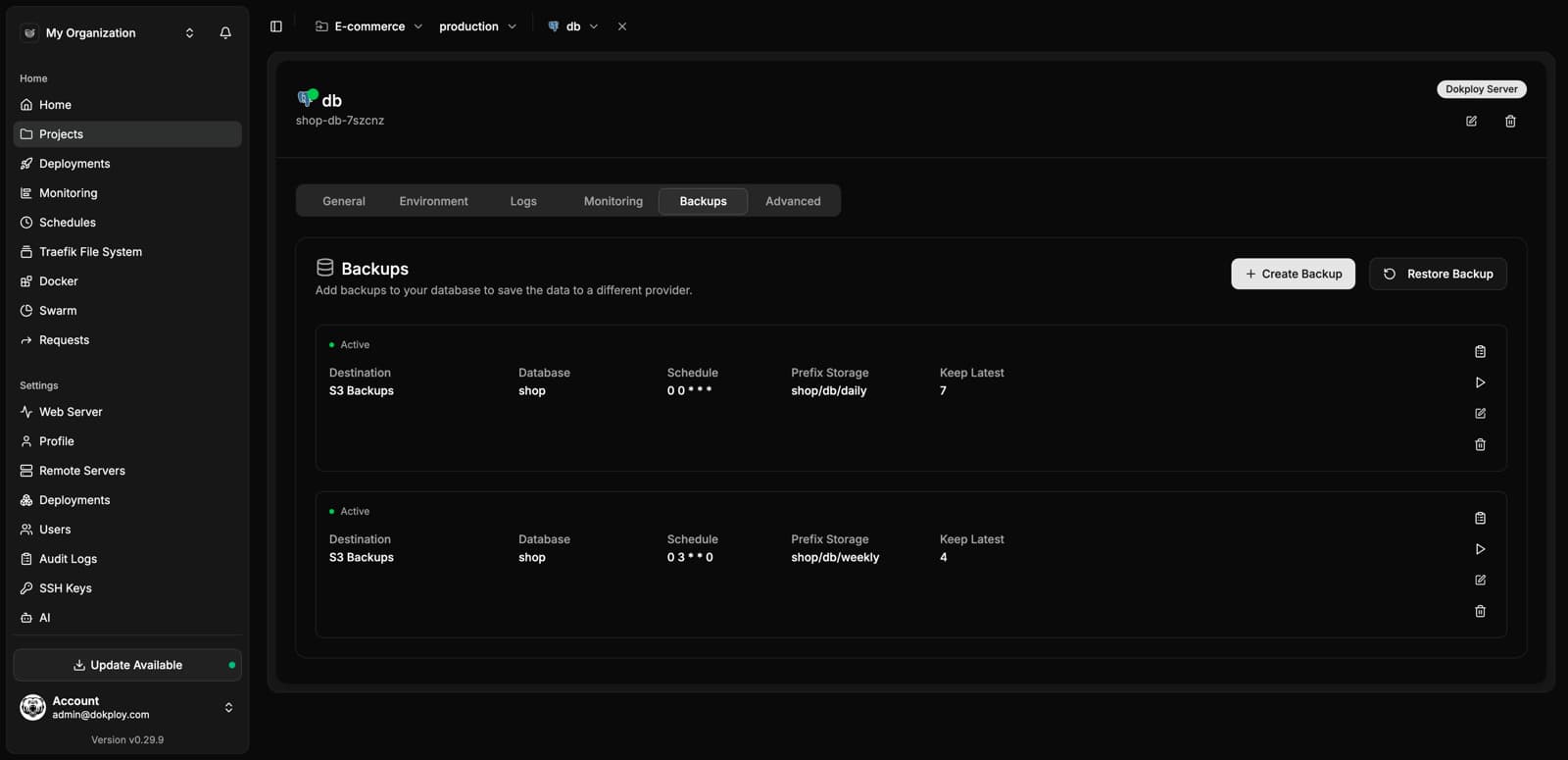
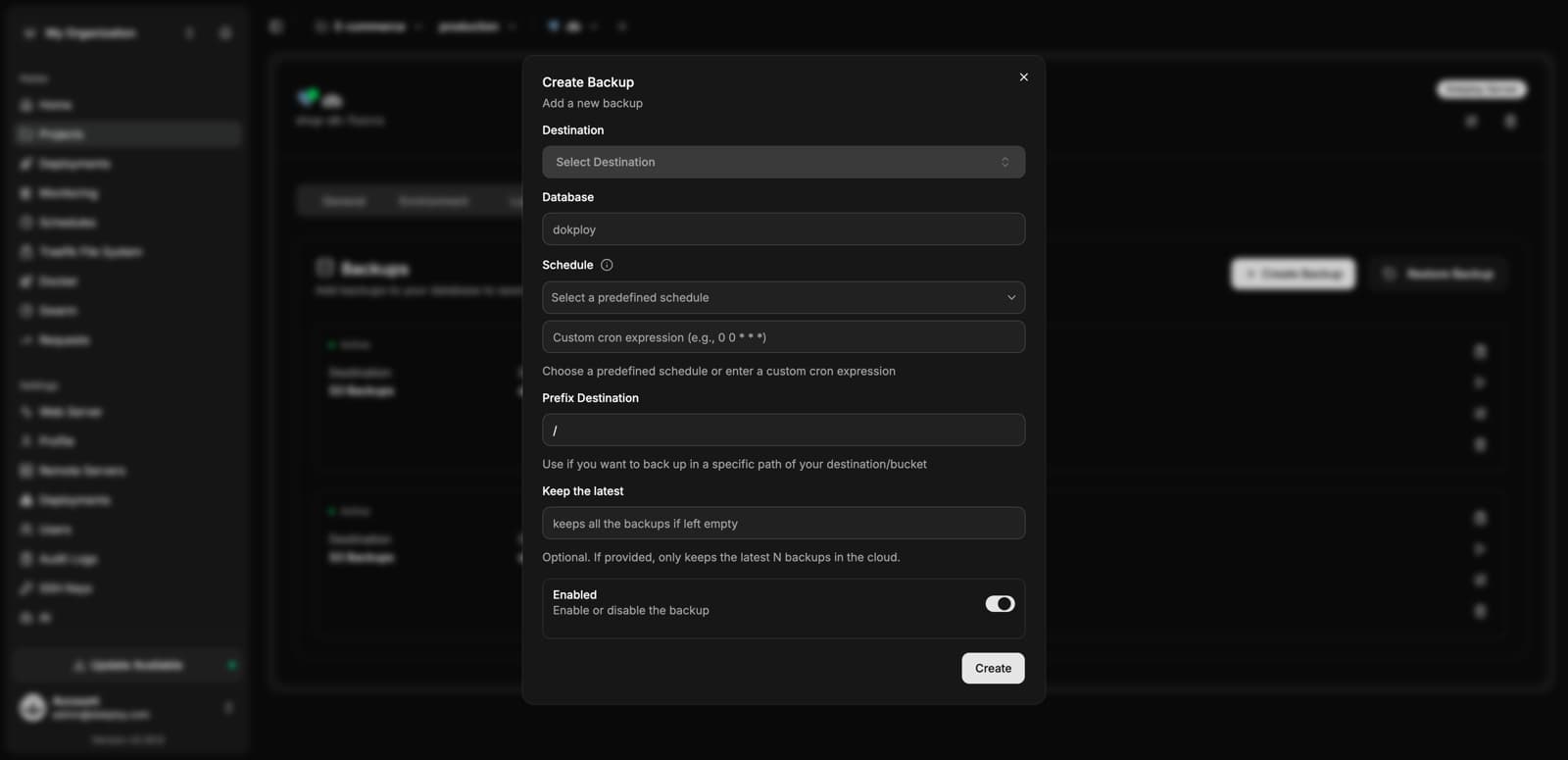
Schedule automatic backups to any S3-compatible destination:
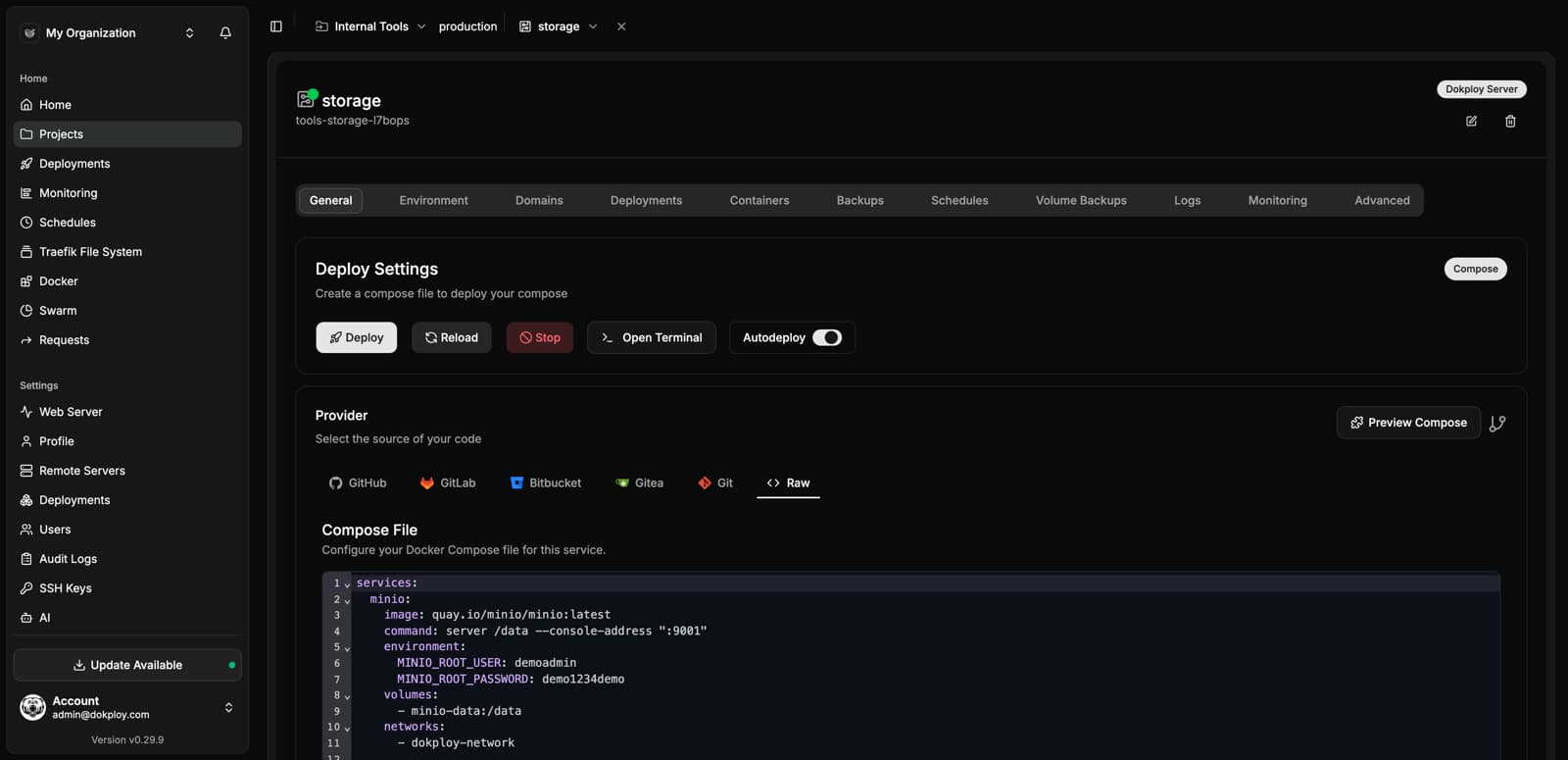
Docker Compose
Deploy multi-service stacks from a Git repository or a raw compose file, with a built-in editor:
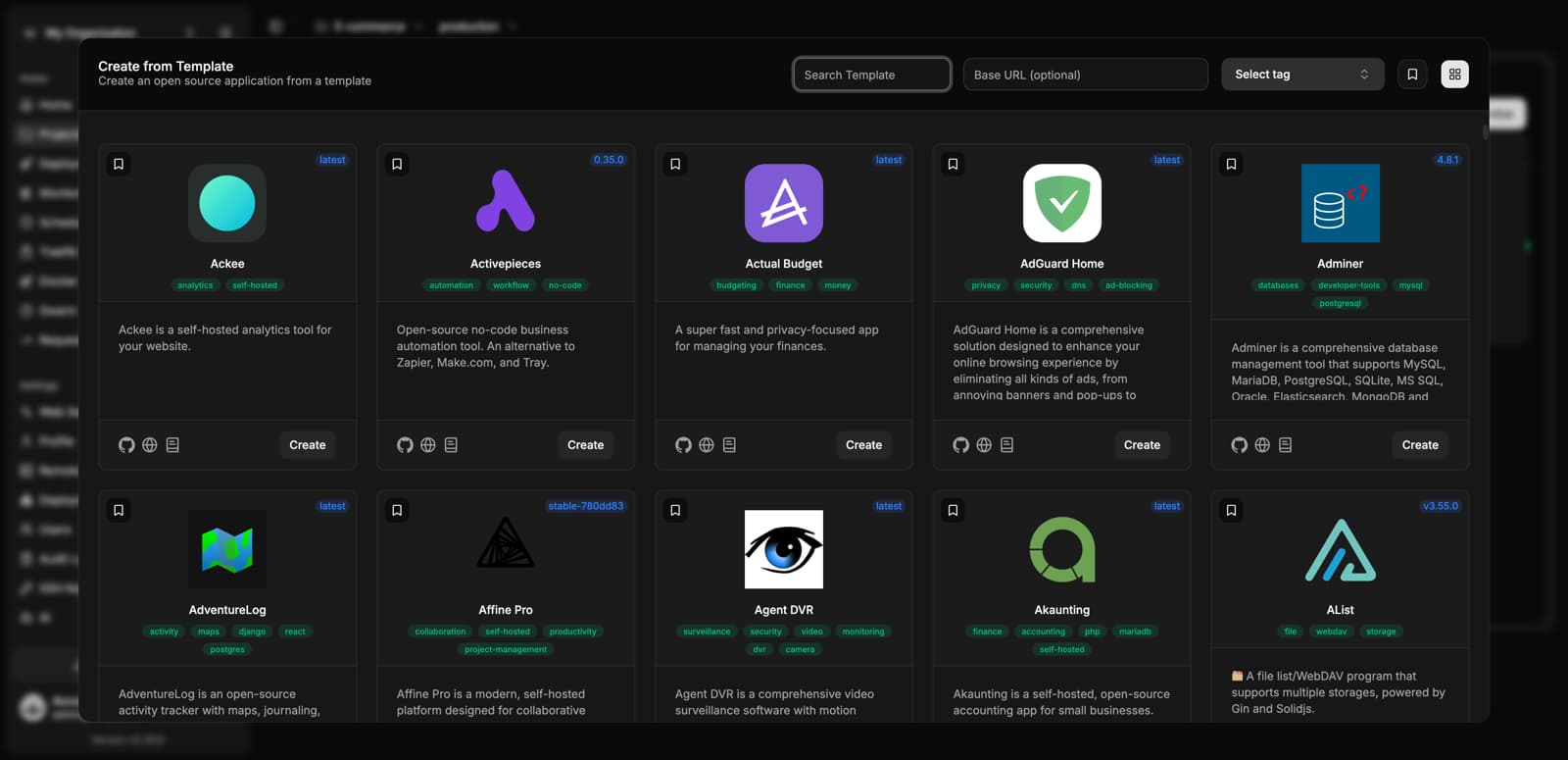
Templates
Deploy hundreds of open-source apps with one click:
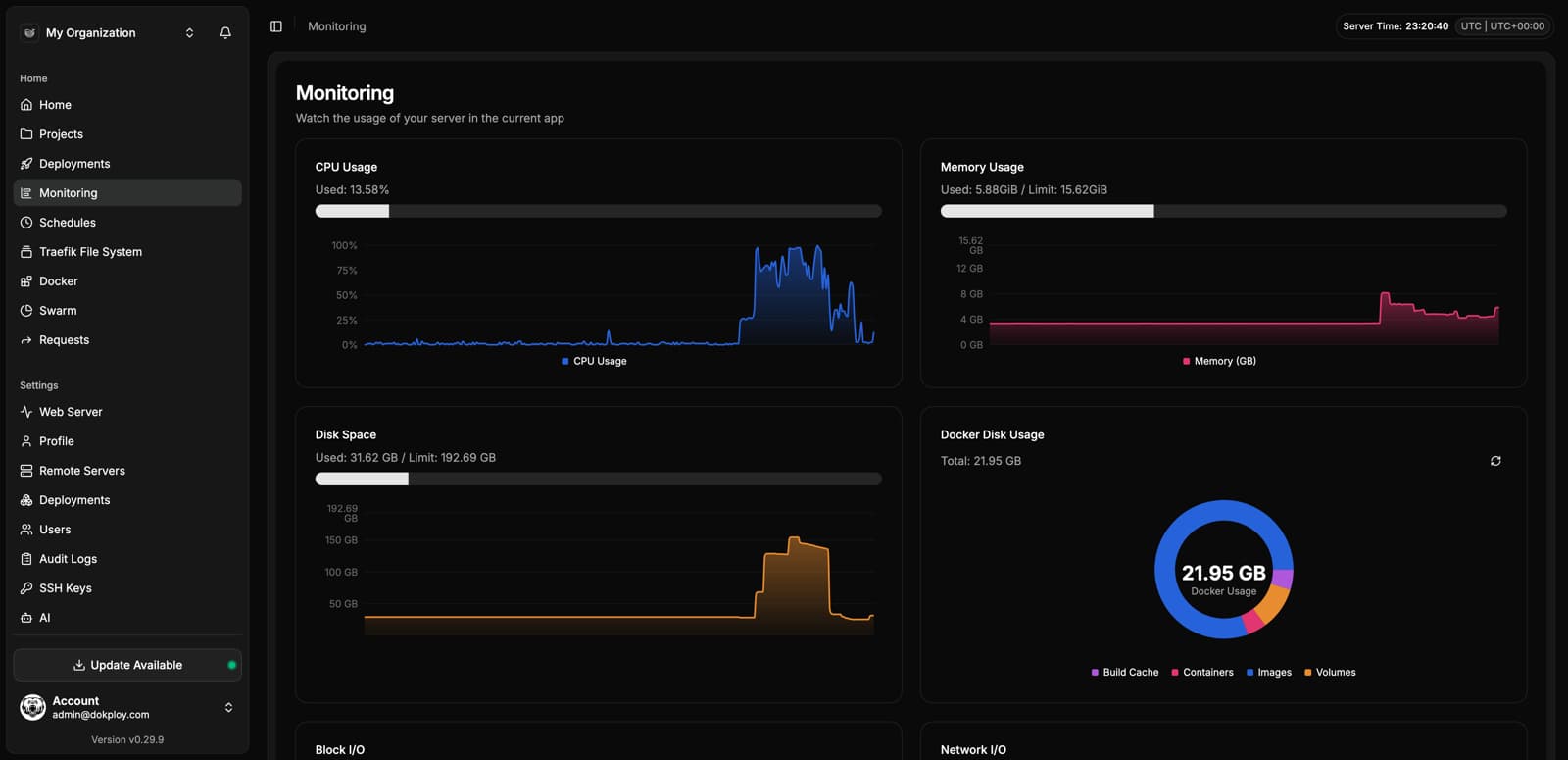
Monitoring
Server-level metrics: CPU, memory, disk and Docker usage:
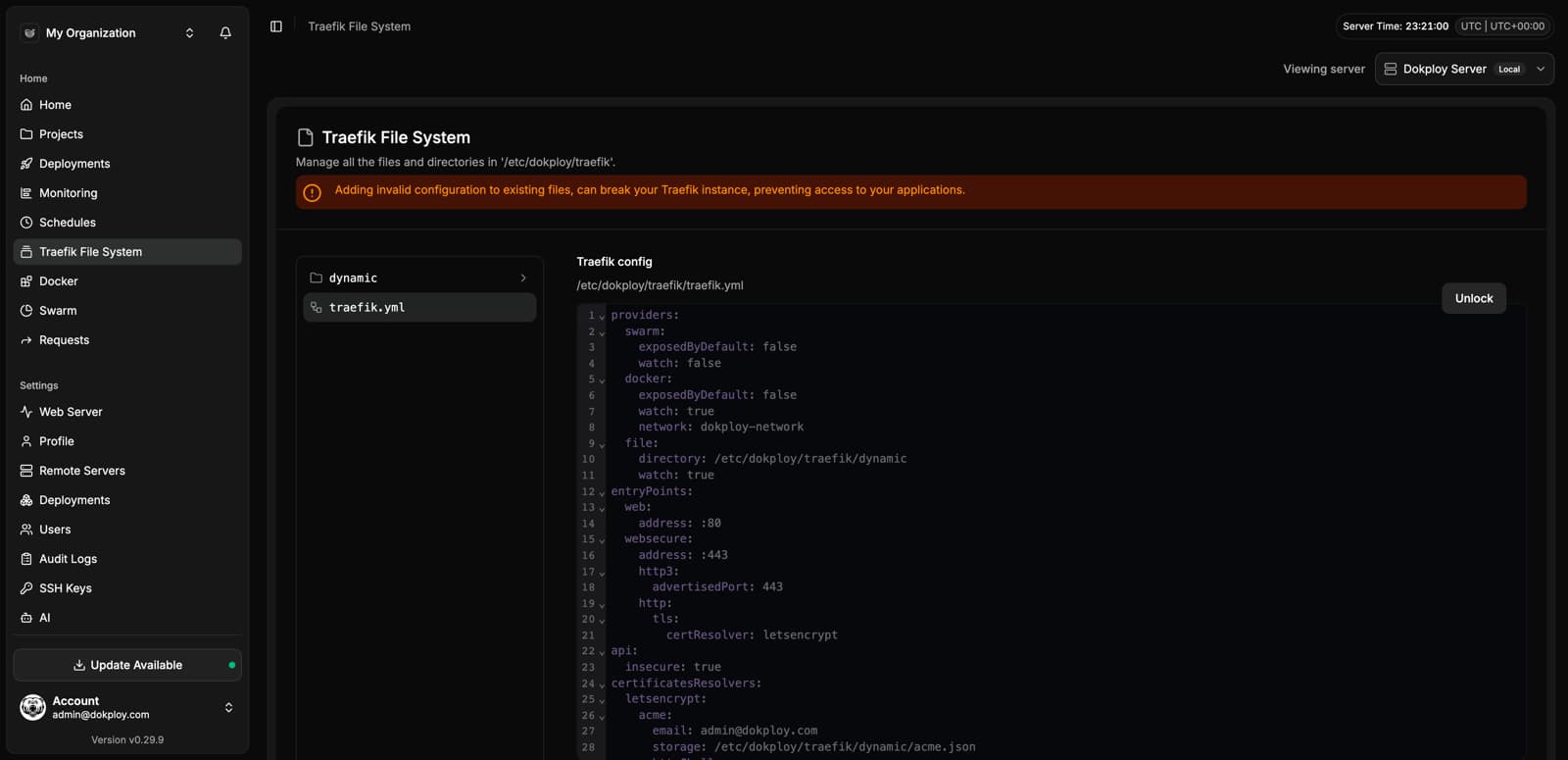
Traefik File System
Edit the Traefik configuration directly from the panel:
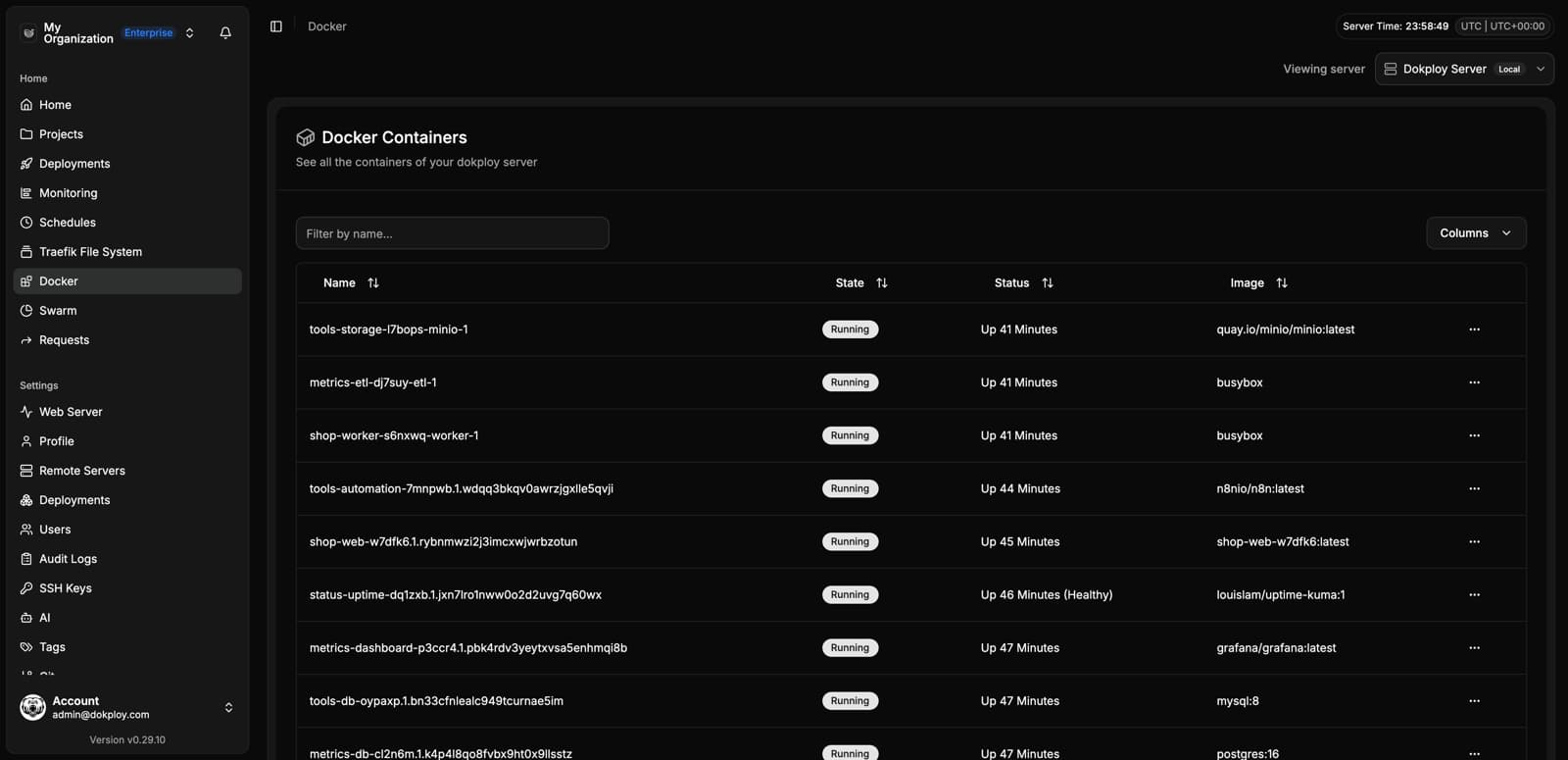
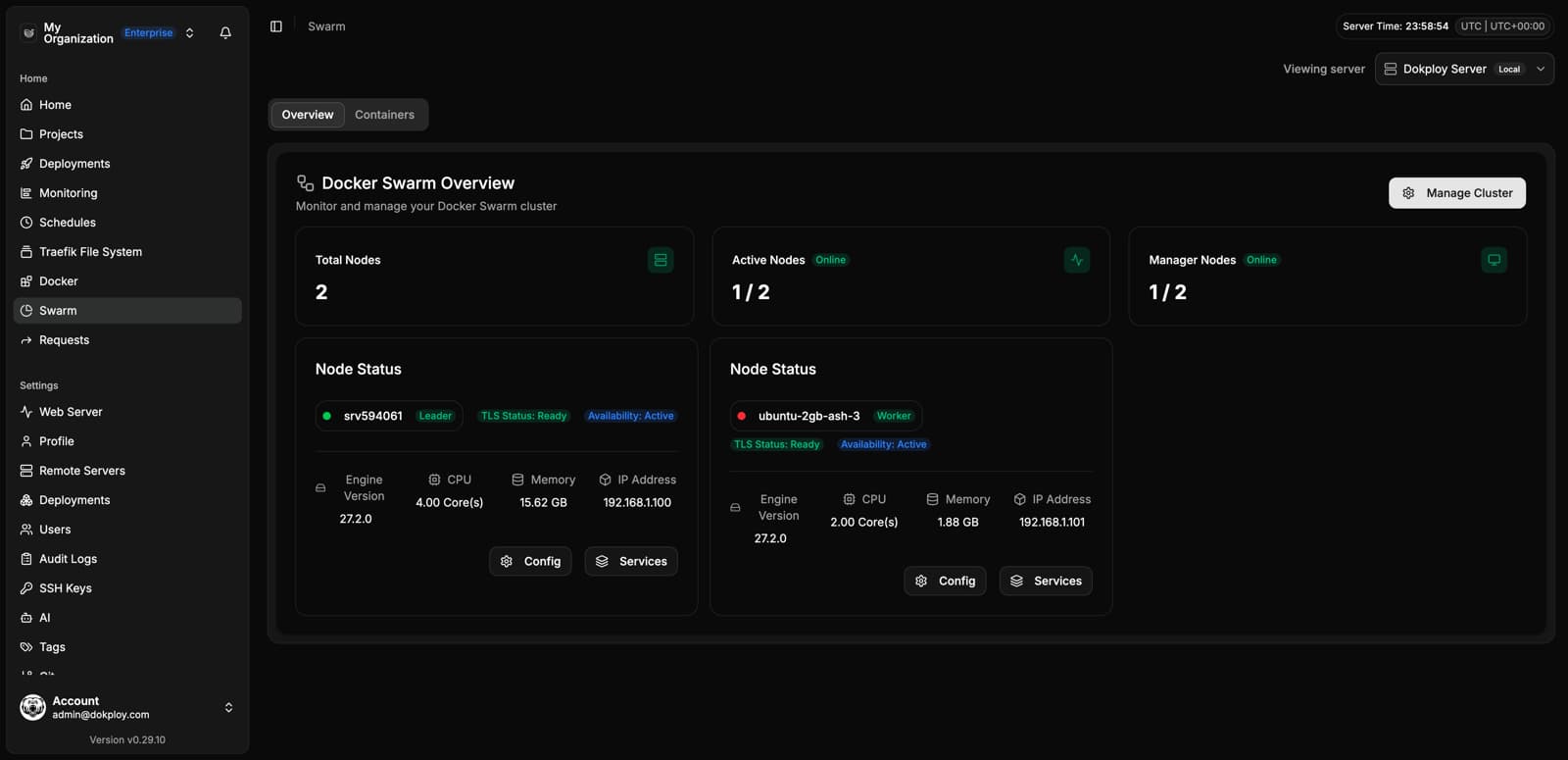
Docker & Swarm
Inspect containers, images and Swarm nodes:
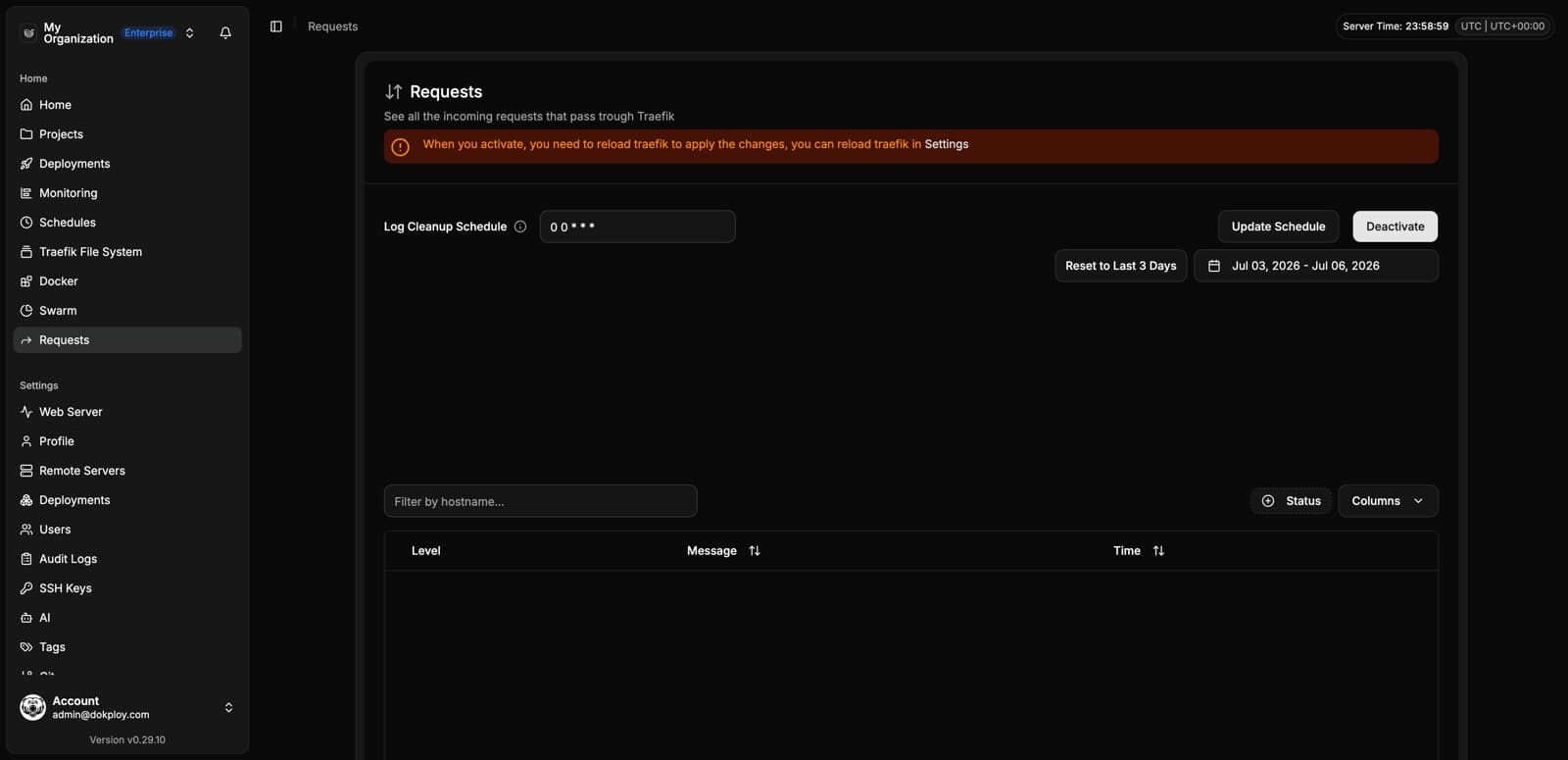
Requests
Analyze incoming HTTP requests handled by Traefik:
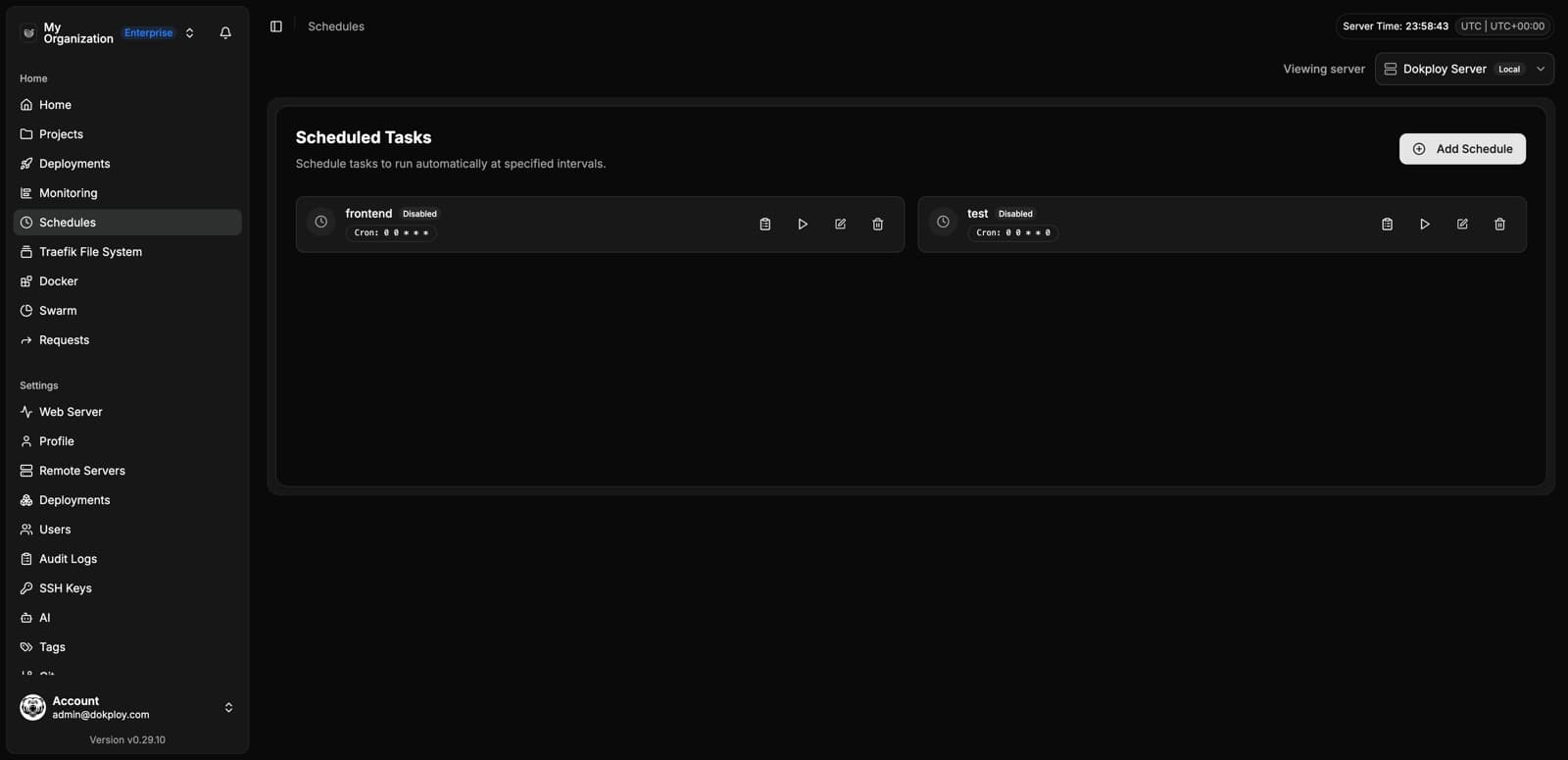
Schedules
Run cron jobs against your services:
Settings
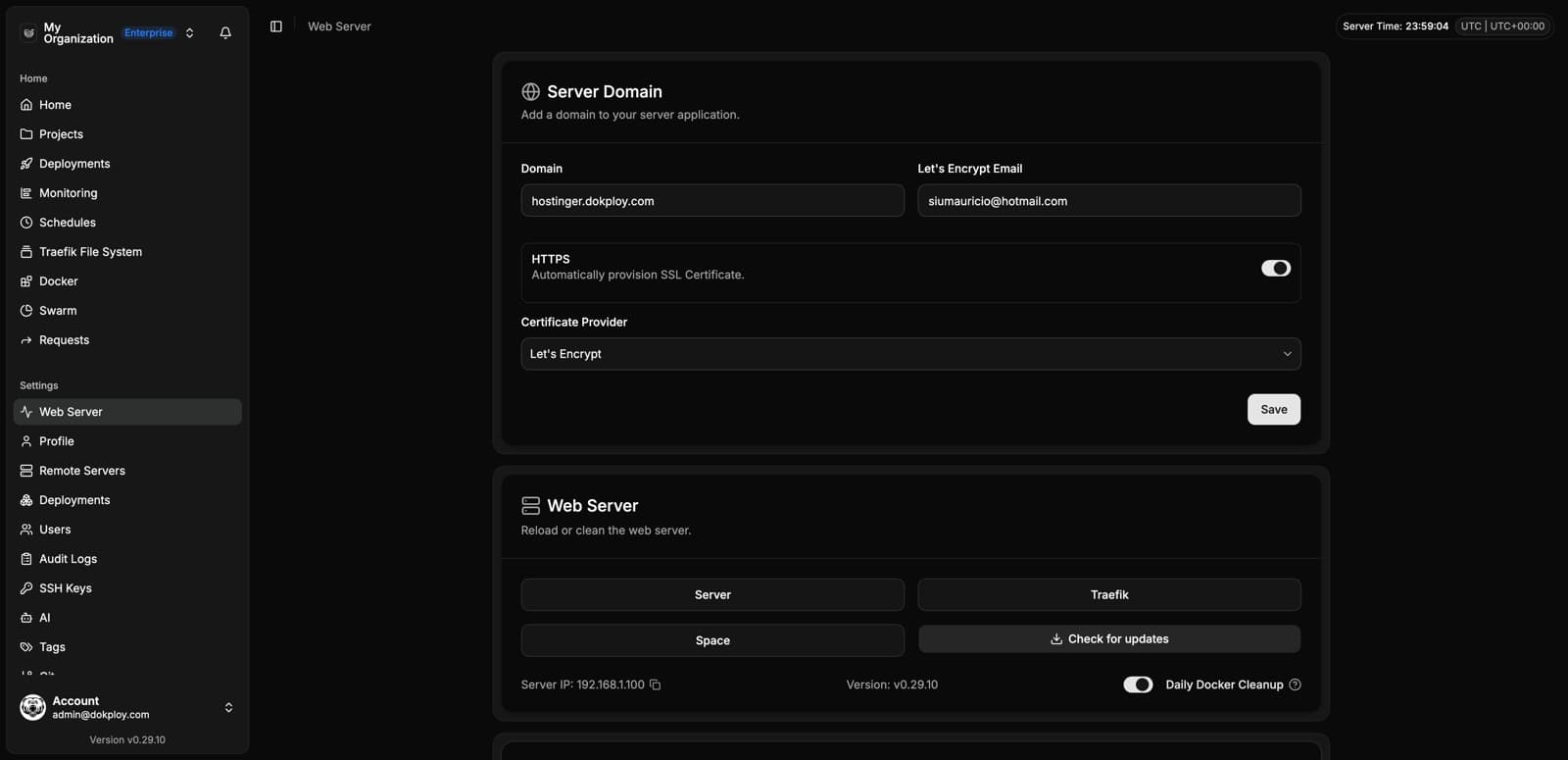
Web Server
Domain, certificates, and maintenance actions for the Dokploy panel itself:
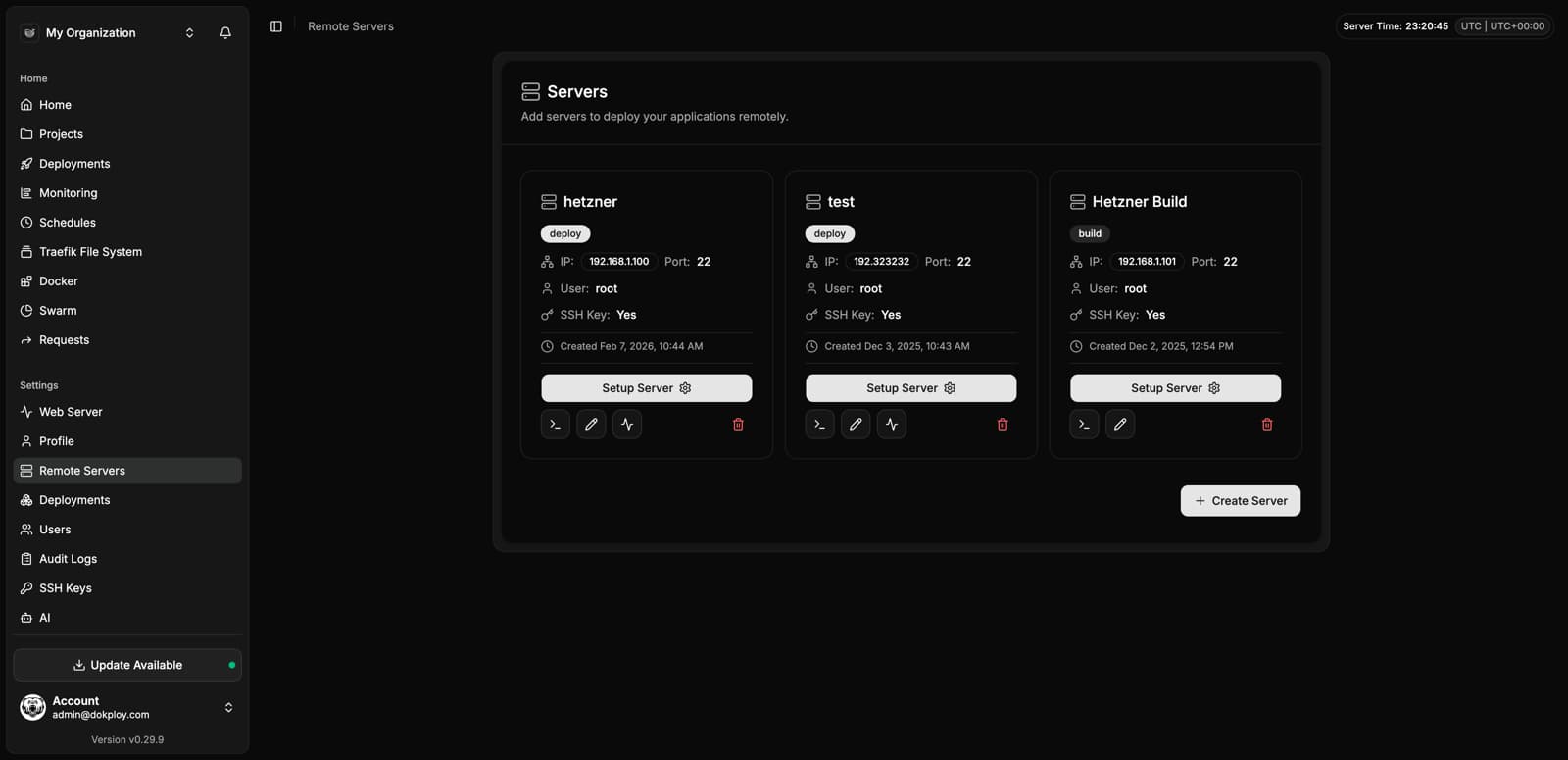
Remote Servers
Deploy to any VPS over SSH:
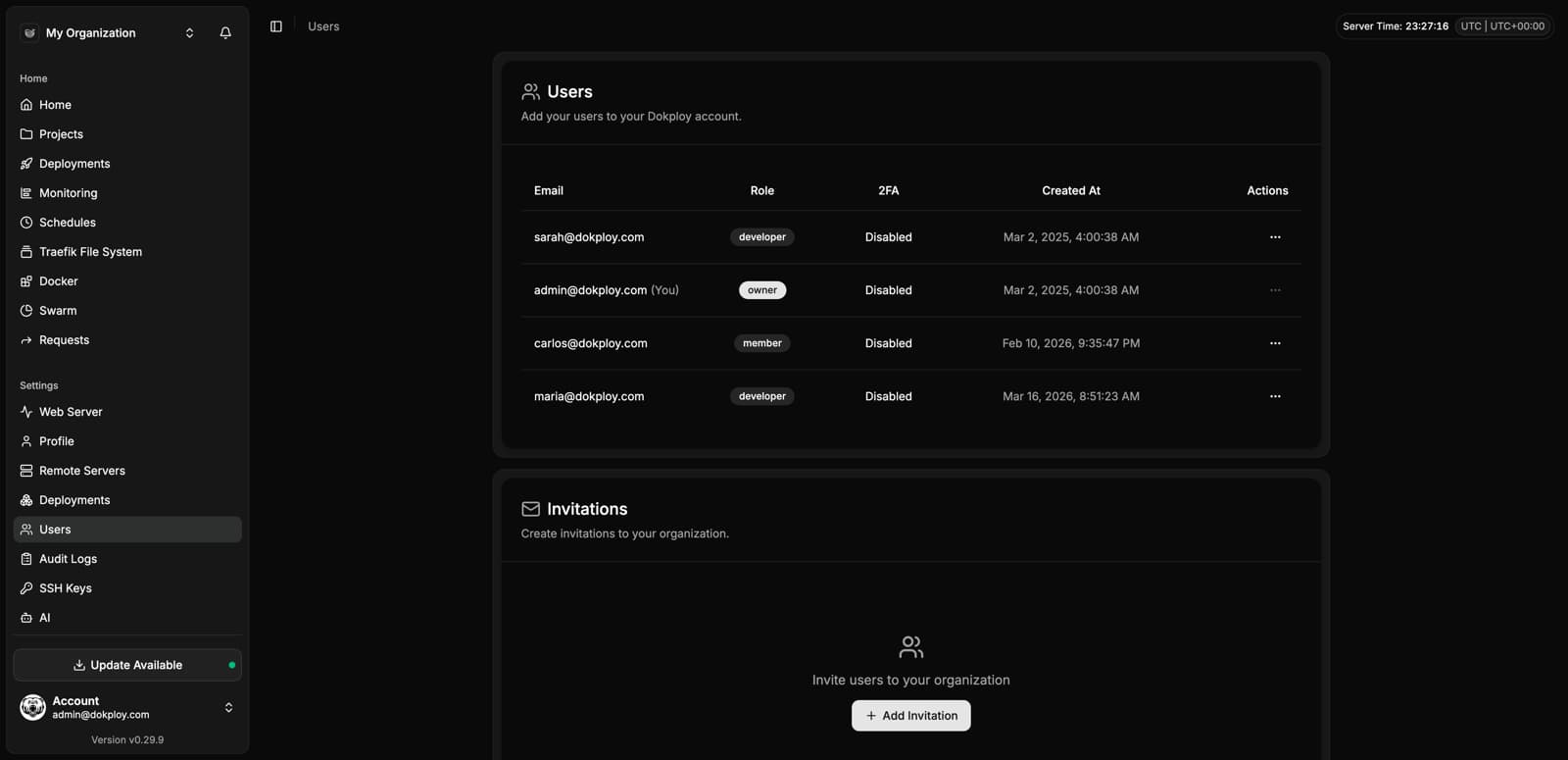
Users
Invite team members and manage roles:
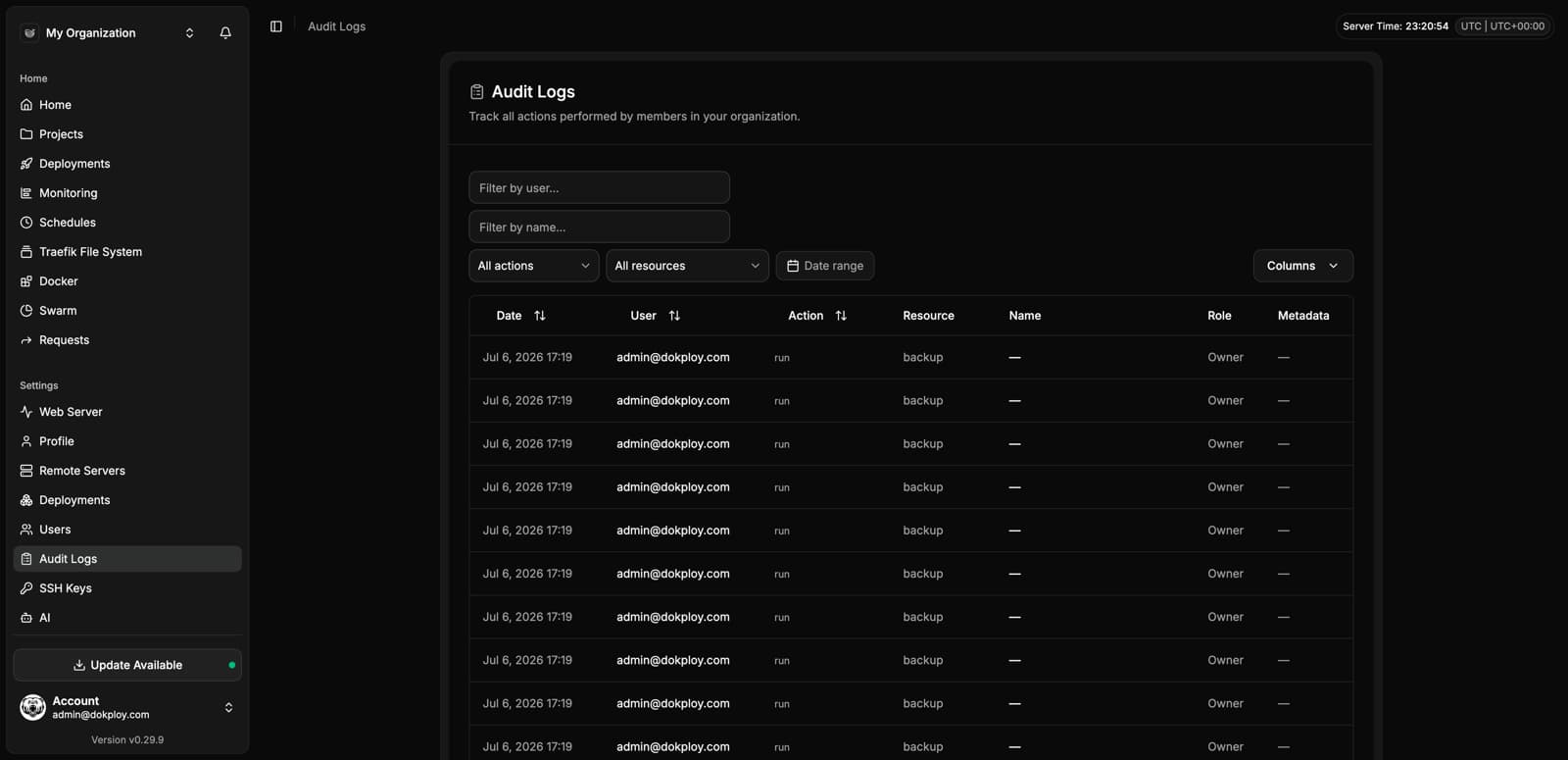
Audit Logs
Track every action performed in your organization:
SSH Keys
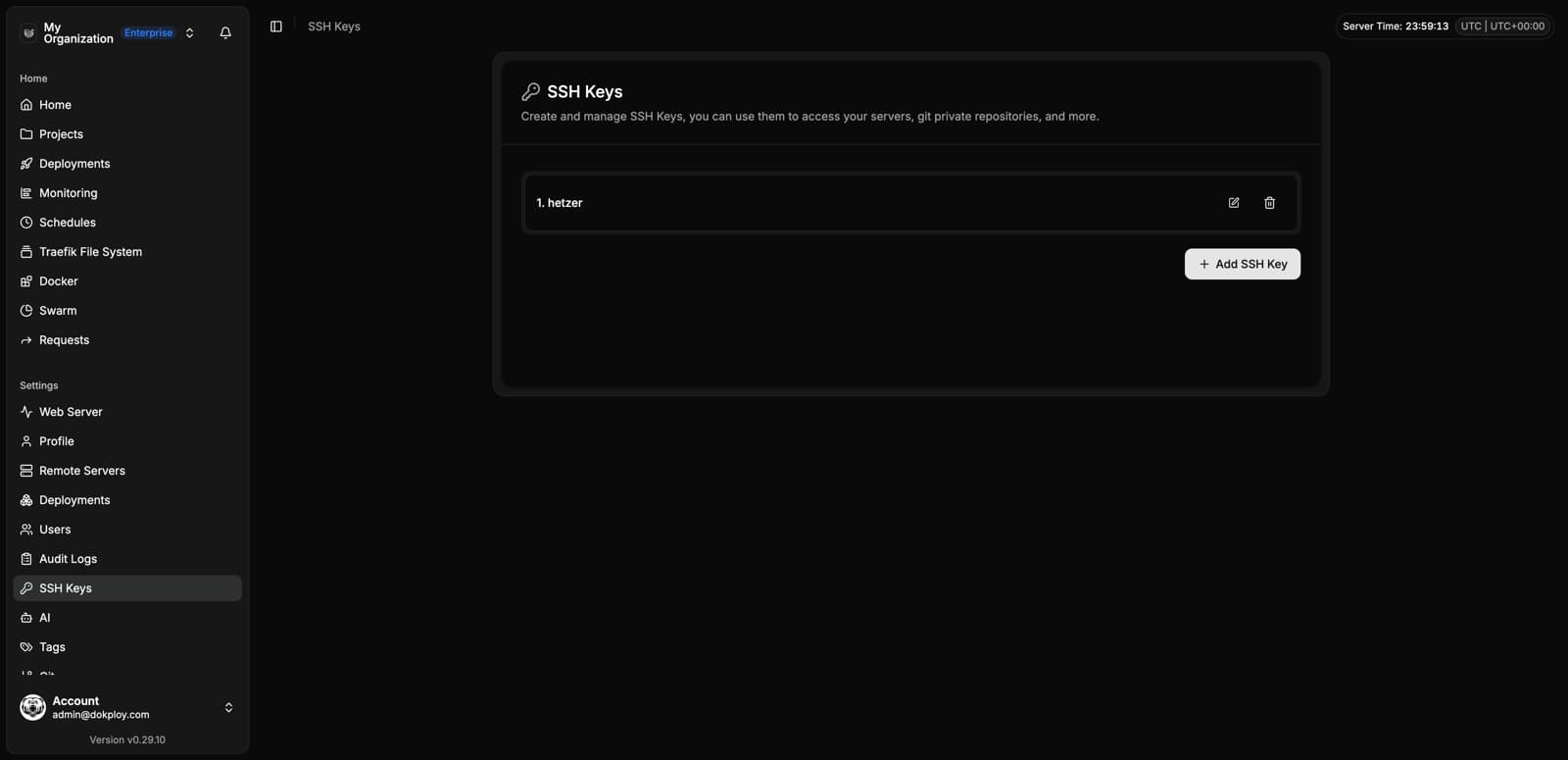
Git Providers
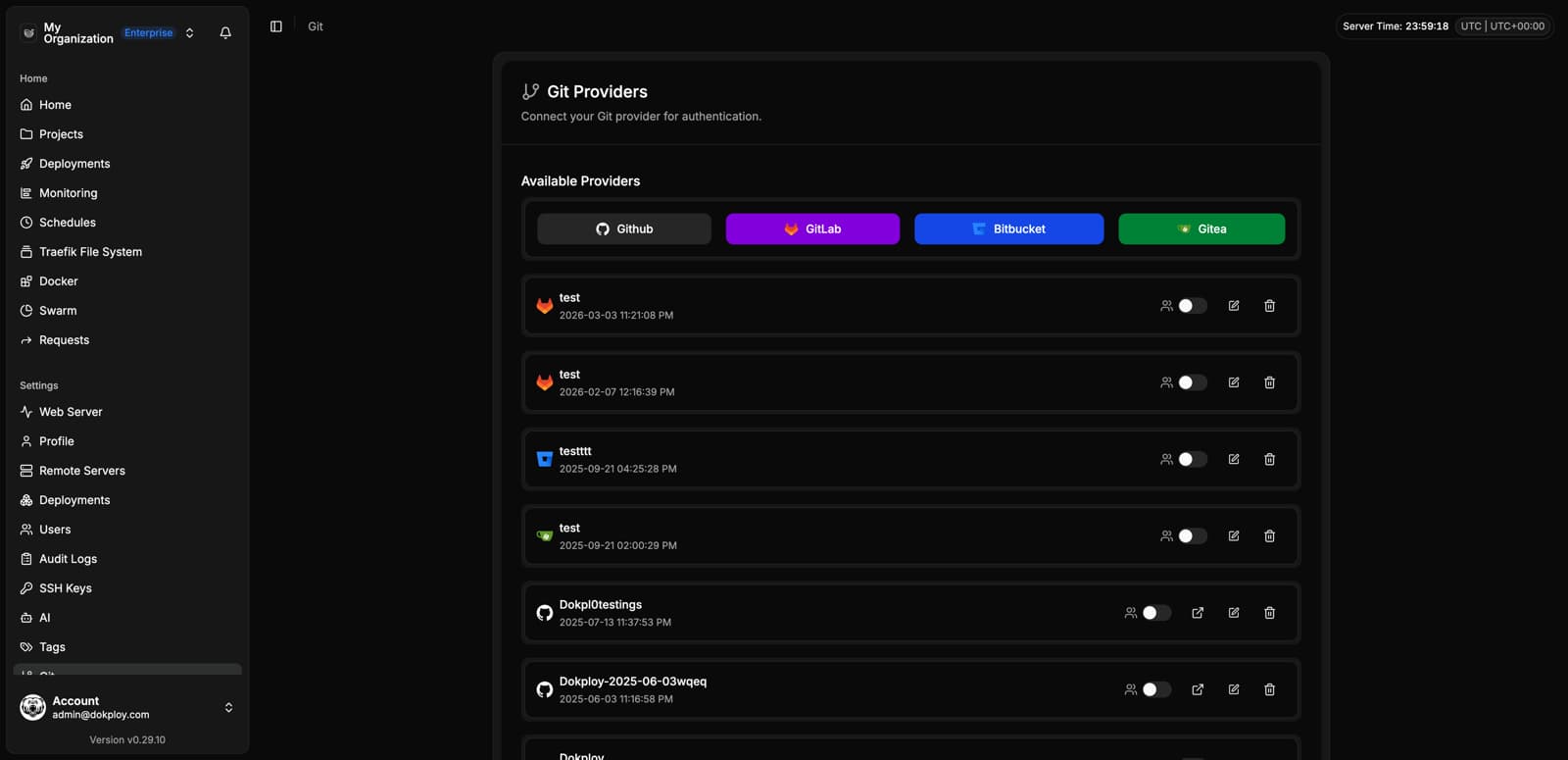
Registry
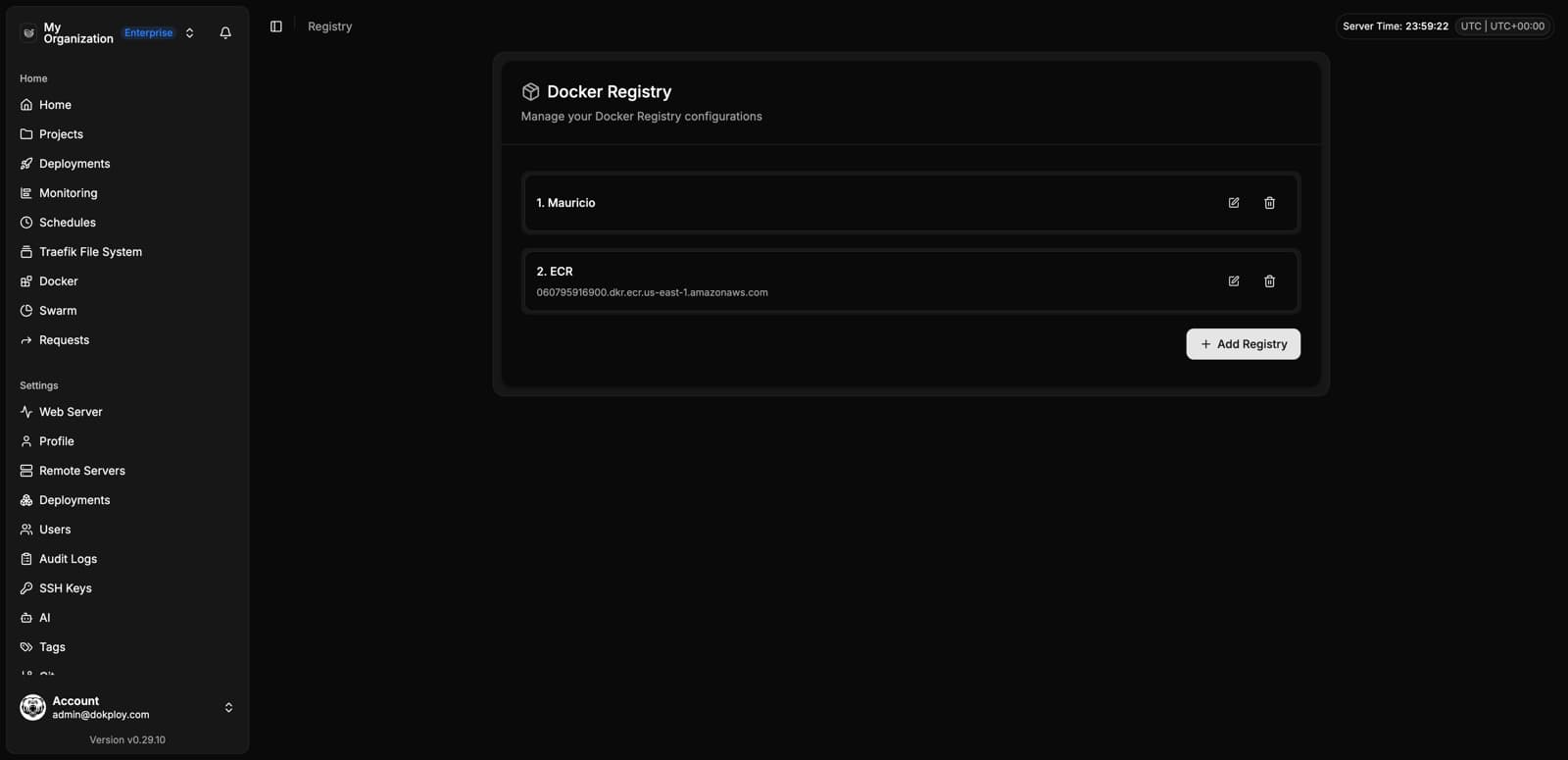
S3 Destinations
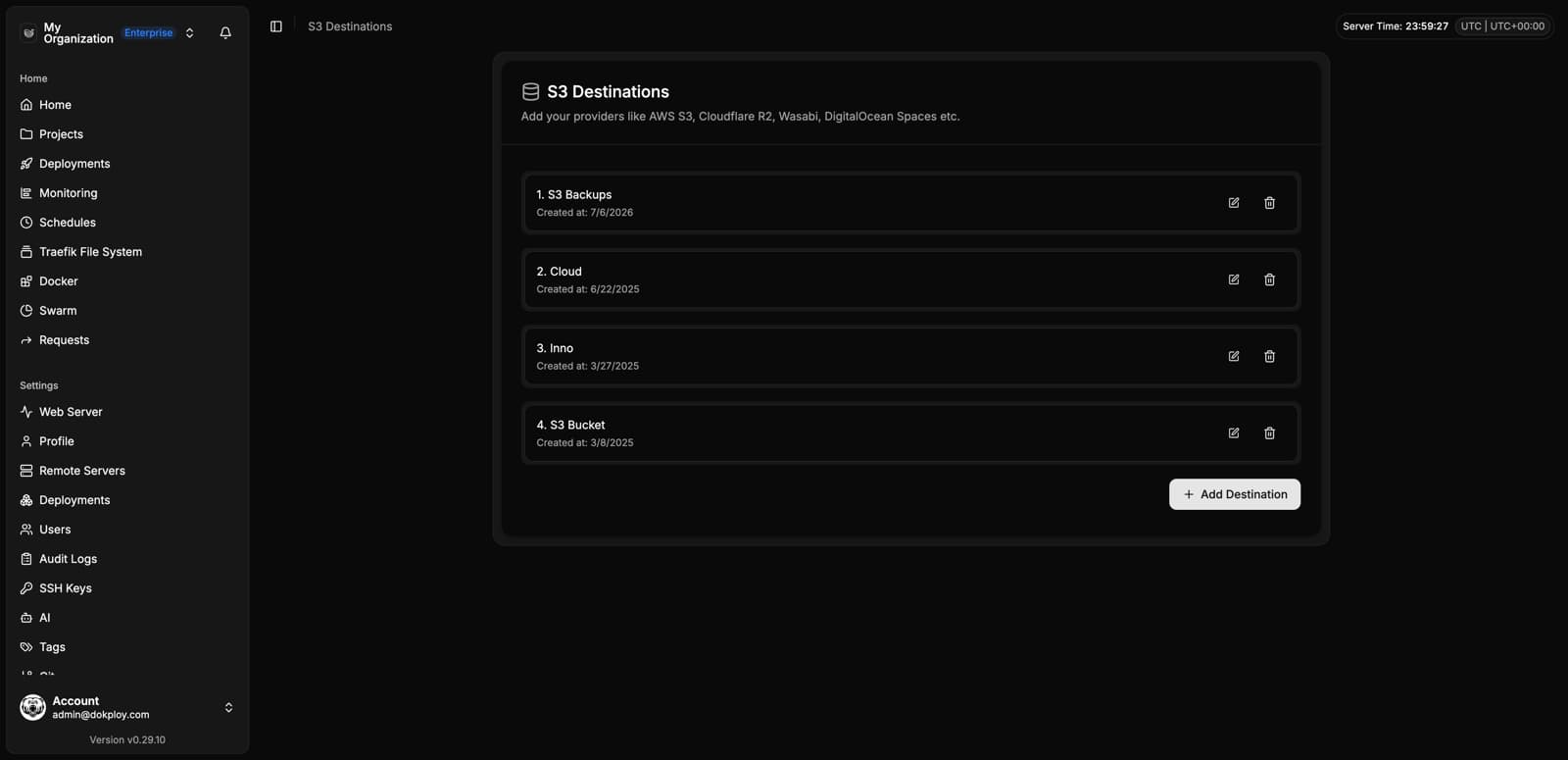
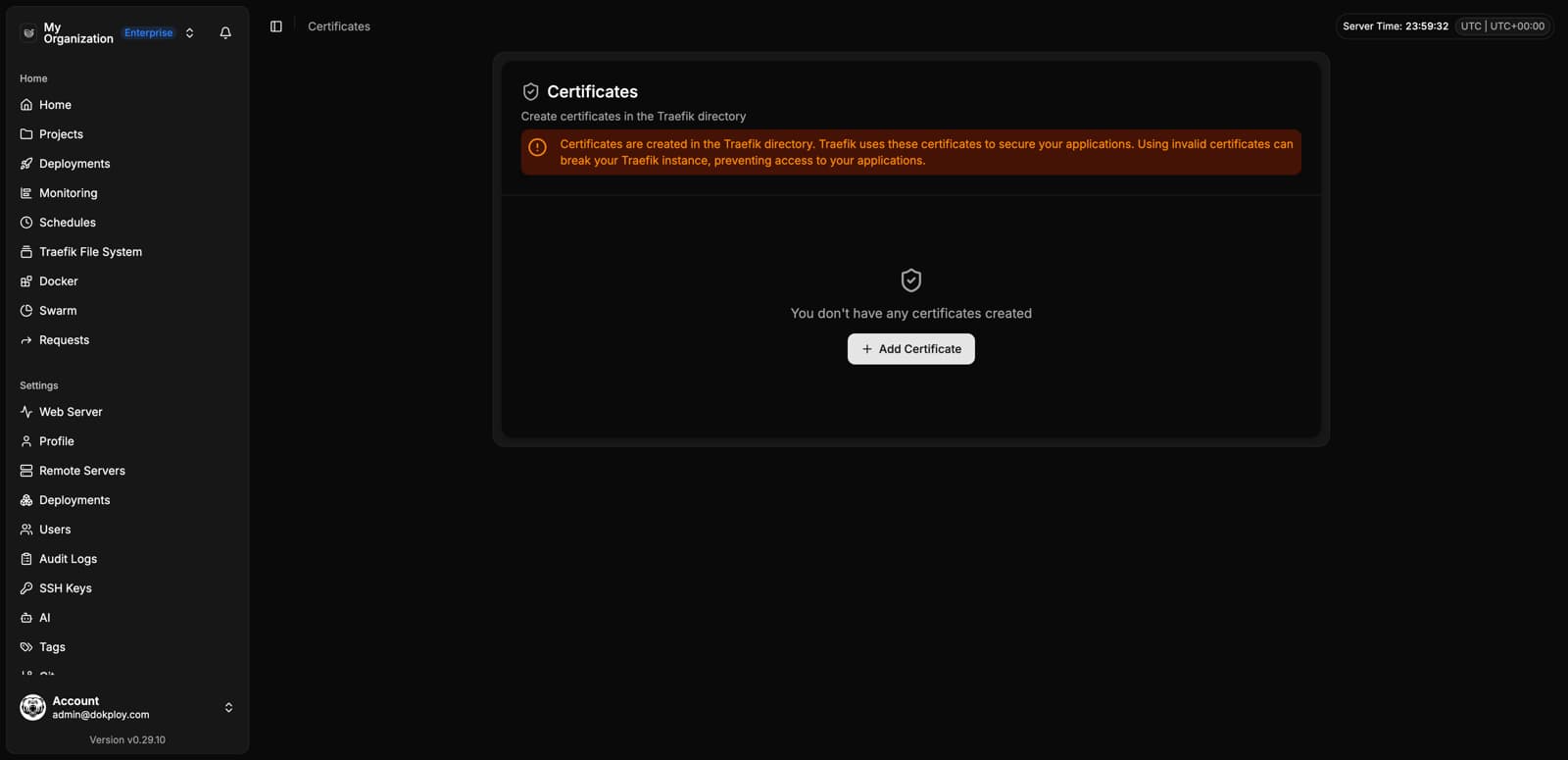
Certificates
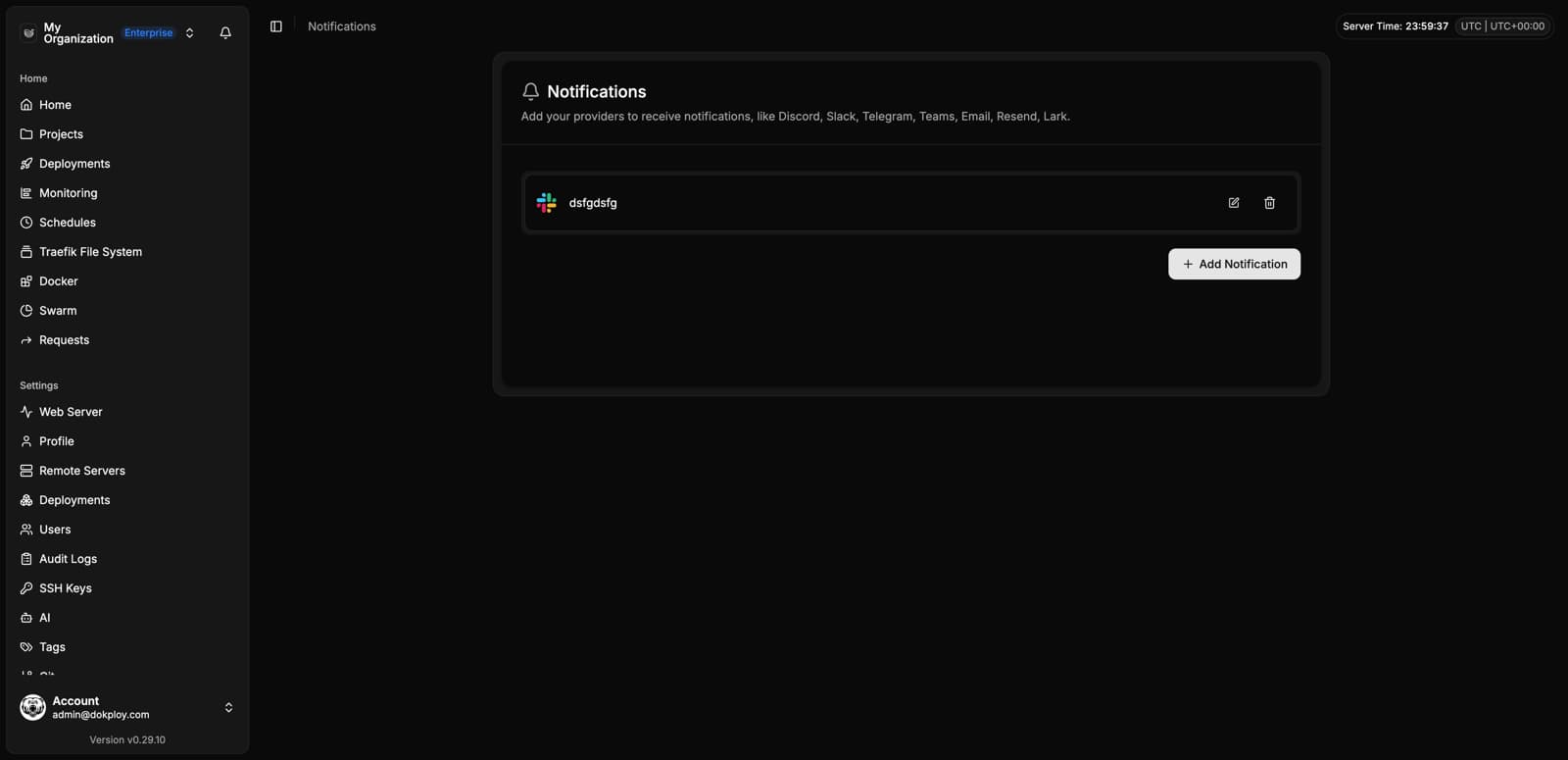
Notifications
Connect Slack, Discord, Telegram, email and more:
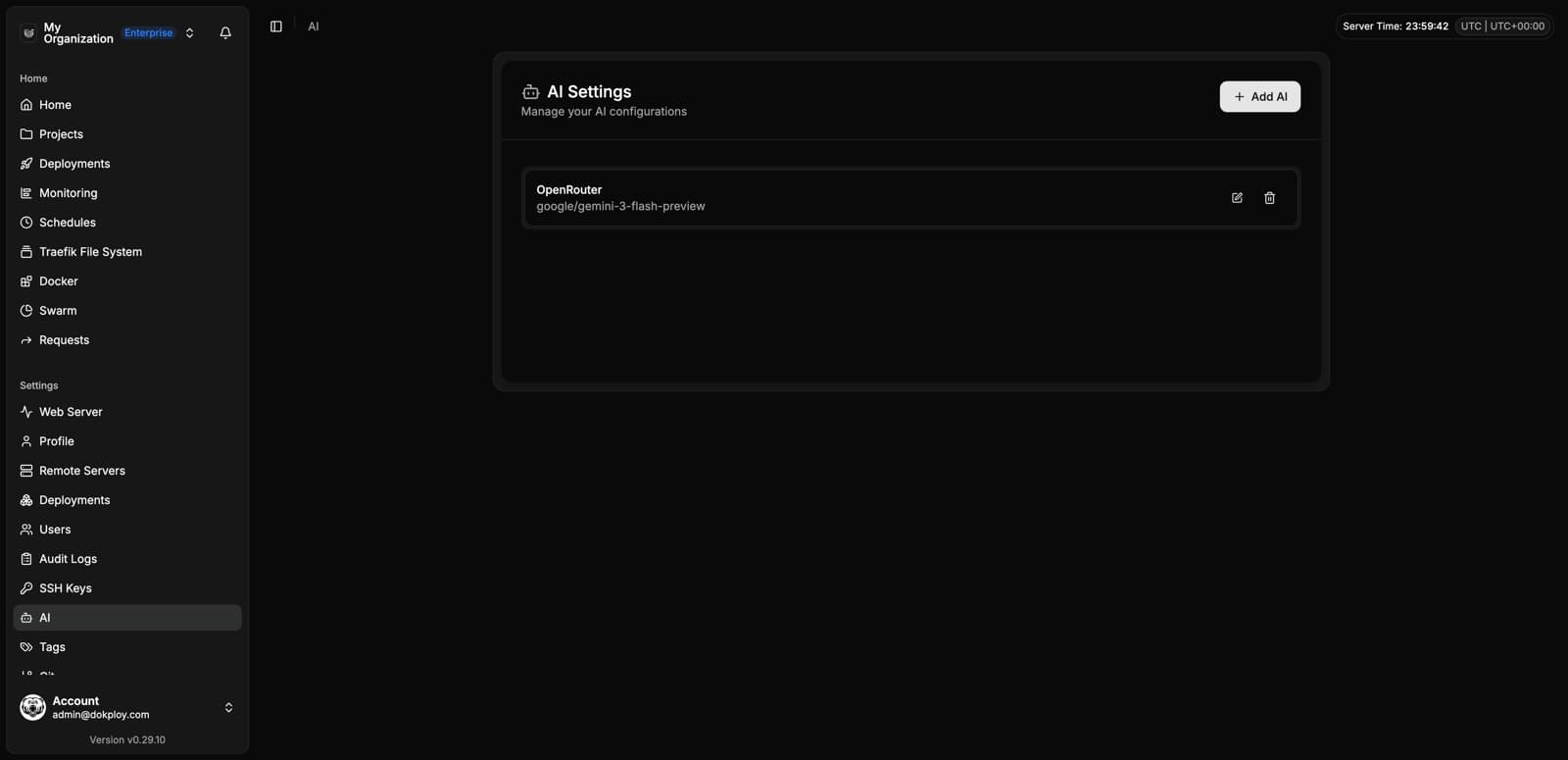
AI
Configure AI providers to enable AI-assisted features:
Enterprise
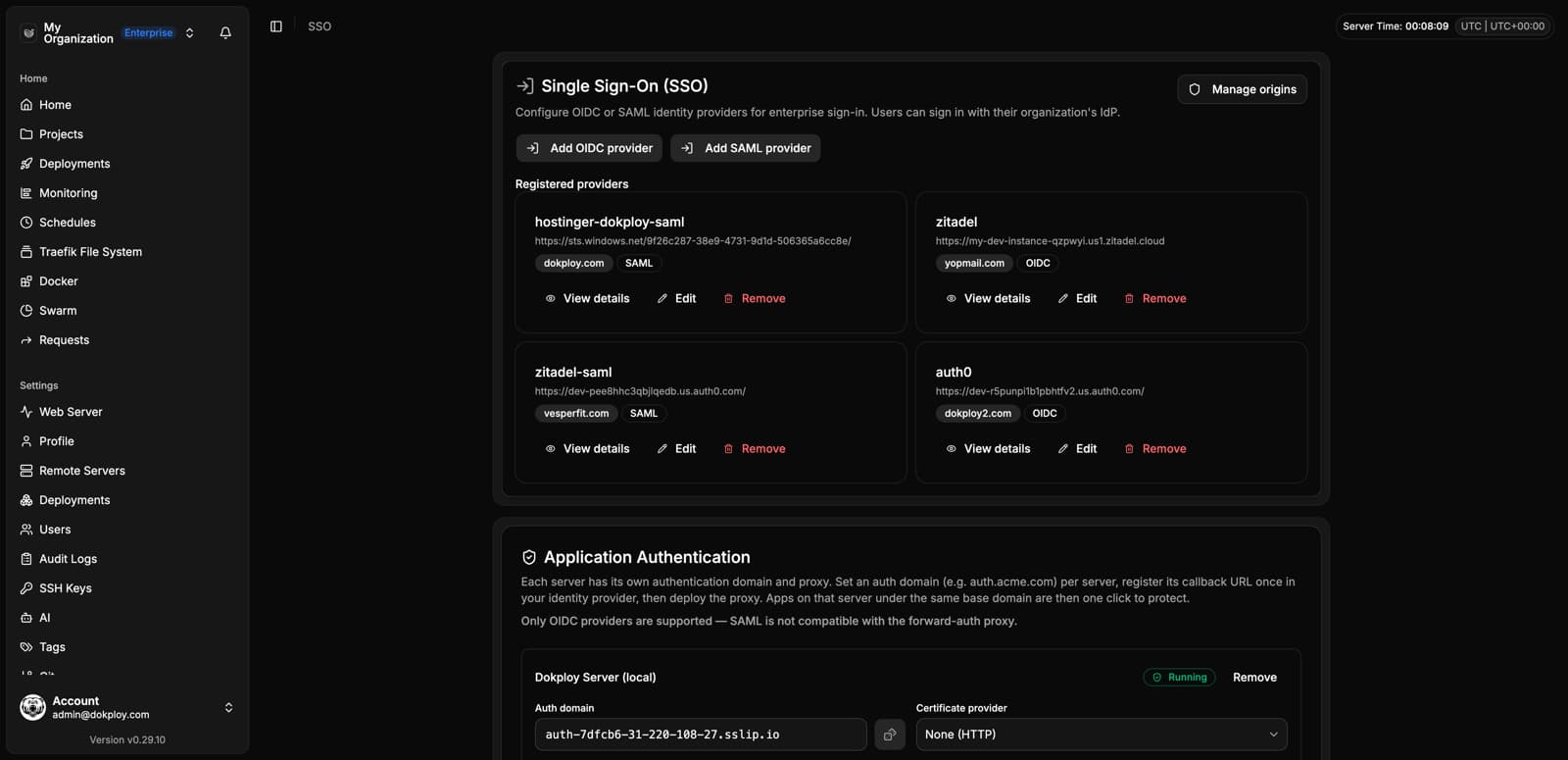
SSO
Configure OIDC/SAML providers and protect deployed applications with forward auth:
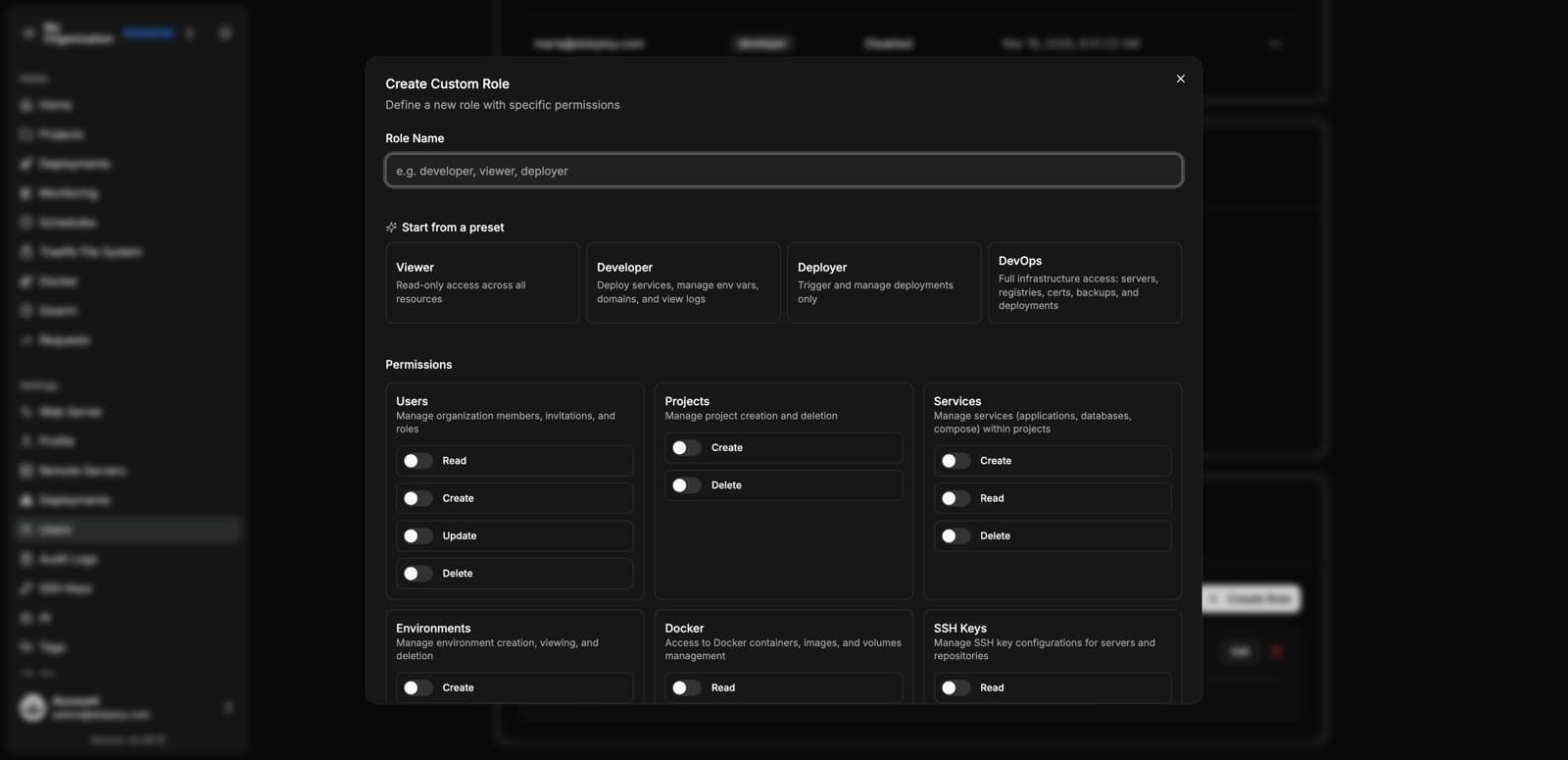
Custom Roles
Create roles with granular permissions, starting from presets like Viewer, Developer, Deployer or DevOps:
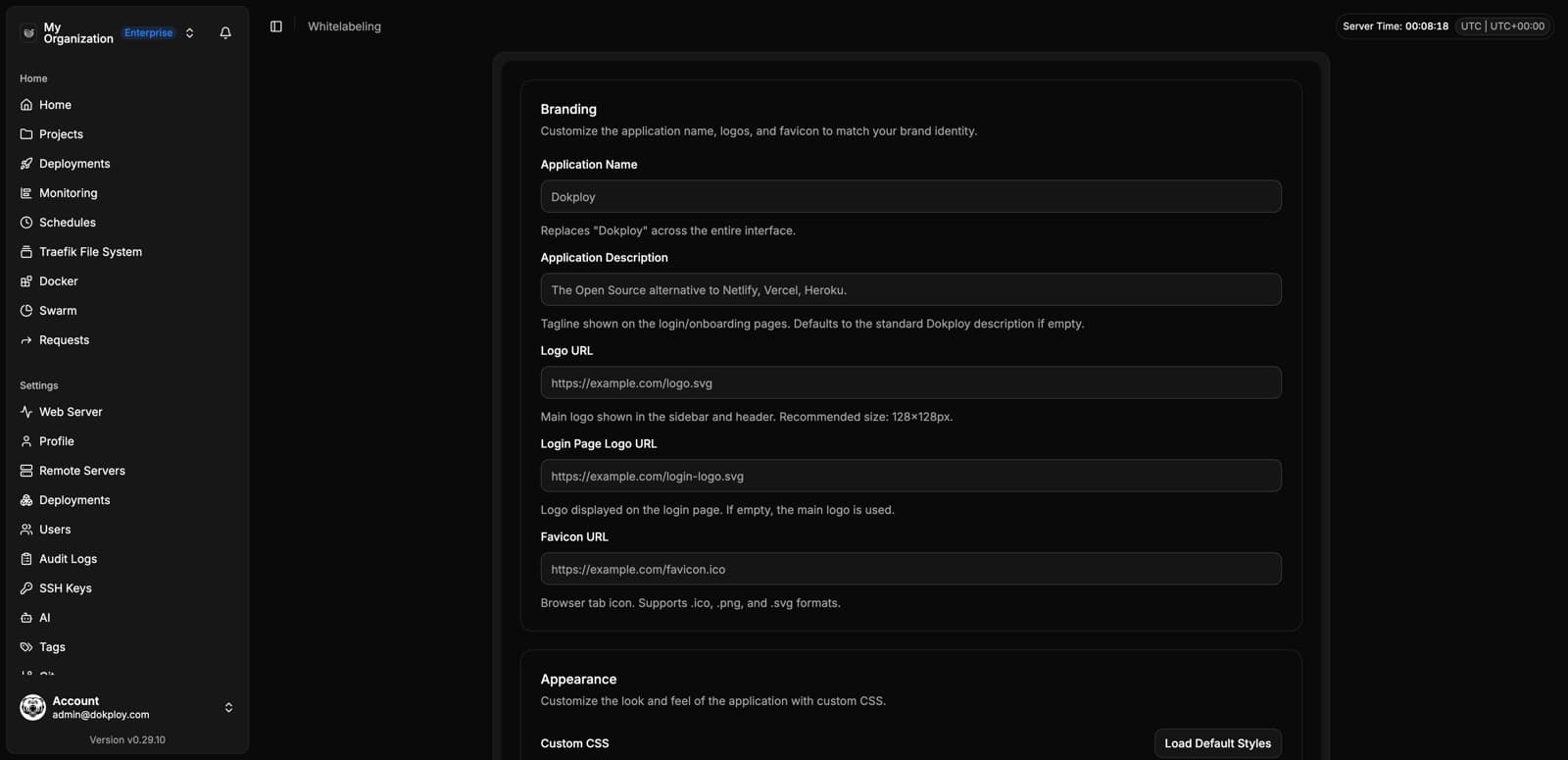
Whitelabeling
Rebrand your Dokploy instance with your own name, logos and colors:
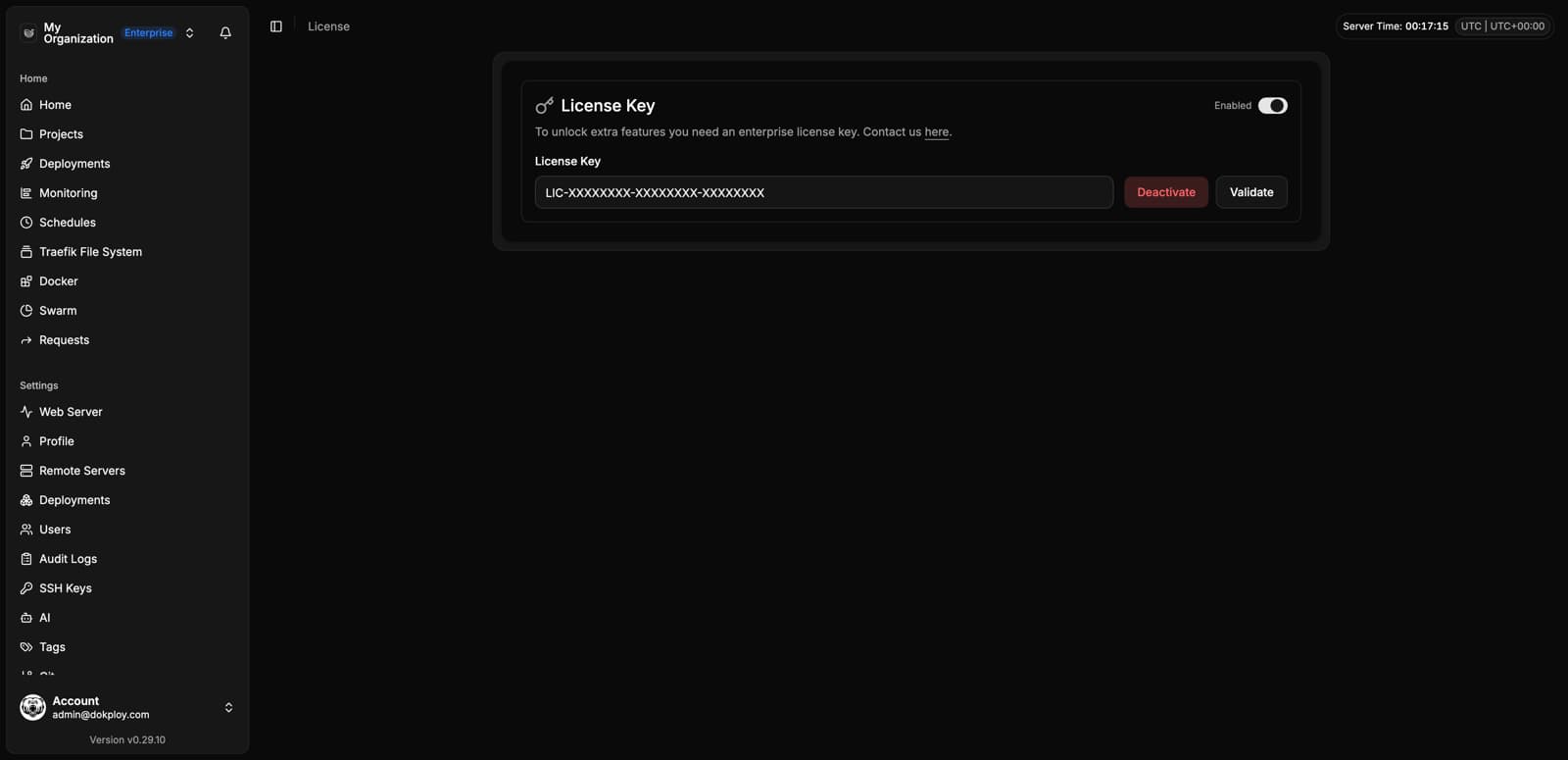
License